KEEP THIS HANDY
Controls at a glance.
- Left click
- Select your castle or a menu option.
- Right click
- Send troops to another castle or upgrade the selected one.
- Escape
- Return to the previous menu.
How the game works
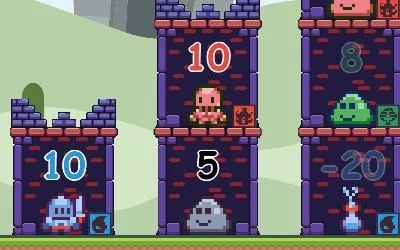
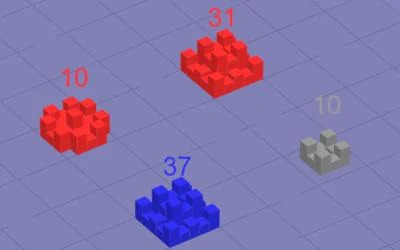
A left click selects one of your castles, usually shown in blue. A right click on a different castle sends troops from the selection to that destination.
A decision to watch
Right-clicking a selected castle instead upgrades it when enough troops are available. Check which castle is selected before making that different use of the same button.
Try a first session
In menus, a left click selects options and Escape goes back. The goal is to capture the enemy castles, so watch the map after a dispatch before sending the next group.
What happens to your progress?
A portable save or mid-run resume is not established by the reviewed instructions. Check the game’s own menu before clearing its browser data.
Check the save and backup guide ↗A FEW USEFUL ANSWERS
Before the next click.
How do I send troops?
Left-click one of your castles to select it, then right-click another castle as the destination.
How do I upgrade a castle?
Right-click the selected castle itself when enough troops are available. The same button has a different effect on another destination.
A useful next read.
Defense games: place, upgrade and protect ↗Follow the source.
Mefistofel. Licence notice. MIT code licence as reported by GitHub; original media rights are separate.
Latest collected source change: packed version (opens a new tab) . Repository activity does not identify the hosted game version.
All media and source credits ↗