KEEP THIS HANDY
Controls at a glance.
- Arrow keys
- Move.
- Space
- Jump.
- F / R
- Use the lantern once per level / restart the level.
Remember the room before the blackout
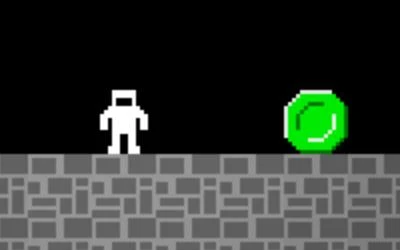
Study each level before the lights go out, then navigate the platforms and traps on the way to the fuse box. A lantern can briefly help when your memory is uncertain.
How the game works
The creator limits the lantern to one use per level. Spending it reveals information, so consider which stretch of the route would benefit most from that view.
A practical starting point
Use the restart key when a jump goes wrong and compare the next attempt with the remembered layout. Artist Beatriz Iañez Bustamante is credited by the developer.
What happens to your progress?
A portable save or cross-device synchronization is not established by the reviewed documentation. Check the original game before relying on a later return.
Check the save and backup guide ↗A FEW USEFUL ANSWERS
Before the next click.
Can I use the lantern repeatedly?
The creator says it can be used once per level.
Does this site’s Saved button keep my progress?
Saved keeps a link to this profile on your device. Game progress belongs to the game and its host.
A useful next read.
Plan a route when you cannot see everything. ↗Follow the source.
Alejandro Molina Salazar; Beatriz Iañez Bustamante (game artist). Licence notice. Source and image rights remain with their creators; see notices.
Latest collected source change: Update genres (opens a new tab) . Repository activity does not identify the hosted game version.
All media and source credits ↗