KEEP THIS HANDY
Controls at a glance.
- WASD / arrows
- Move; Up or W also jumps.
- Space / E
- Jump or rewind the soul.
- R / T / M
- Restart, toggle tips or mute music.
How the game works
Use WASD or the arrows to move and Space, Up or W to jump. E rewinds the soul; the creator describes using it when the soul is not in the desired position.
A decision to watch
R restarts the level and T toggles tips. A restart changes the whole level state, while the rewind action is specifically described in relation to the soul.
Try a first session
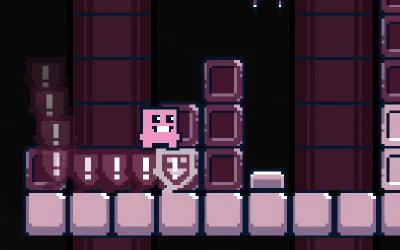
Watch where the soul is left before attempting the next jump. The gap, the platform position and the falling blocks all influence which movement to try.
What happens to your progress?
A portable save or mid-run resume is not established by the reviewed instructions. Check the game’s own menu before clearing its browser data.
Check the save and backup guide ↗A FEW USEFUL ANSWERS
Before the next click.
What is the soul used for?
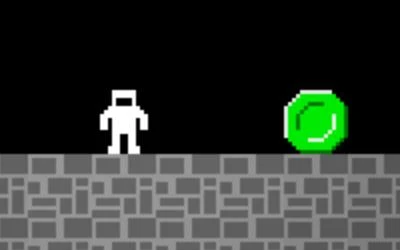
It can act as a platform, and E rewinds it when it is not where you want it.
Is rewind the same as restarting the level?
No. The instructions distinguish E for the soul from R for a level restart; T toggles tips.
A useful next read.
Platform games: read the route when movement changes ↗Follow the source.
Ryan Tyler. Licence notice. No code licence was identified by GitHub; consult the creator’s repository; original media rights are separate.
Latest collected source change: Final Grunt (opens a new tab) . Repository activity does not identify the hosted game version.
All media and source credits ↗