KEEP THIS HANDY
Controls at a glance.
- W / A / S / D
- Walk on desktop.
- V / B
- Use or choose the corresponding hand’s weapon.
- M / speaker
- Mute the game audio.
How the game works
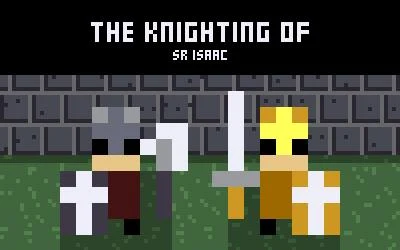
V and B select or use the weapons assigned to the two hands. Those actions also open doors; treasure rooms require a key according to the creator’s notes.
A decision to watch
Weapons cover different directions and distances, from close melee to thrown or fired attacks. Inspect the pattern of a new weapon before assuming it reaches the same area as the last one.
Try a first session
WASD moves on desktop. The project also describes a gamepad and on-screen attack buttons for mobile; M or the speaker control mutes the sound.
What happens to your progress?
A portable save or mid-run resume is not established by the reviewed instructions. Check the game’s own menu before clearing its browser data.
Check the save and backup guide ↗A FEW USEFUL ANSWERS
Before the next click.
How do I open a treasure room?
The creator’s notes say treasure rooms require a key.
Why try more than one weapon?
Weapons have different attack patterns, directions and distances. V and B correspond to the two hands and can also open doors.
A useful next read.
Action games: find the threat before pressing fire ↗Follow the source.
Igor Estêvão. Licence notice. No code licence was identified by GitHub; consult the creator’s repository; original media rights are separate.
Latest collected source change: Update package.json (opens a new tab) . Repository activity does not identify the hosted game version.
All media and source credits ↗