KEEP THIS HANDY
Controls at a glance.
- Arrow keys
- Move through the room.
- Backspace
- Undo a move.
- R / Enter
- Restart the level or open pause.
Treat matching as a route change
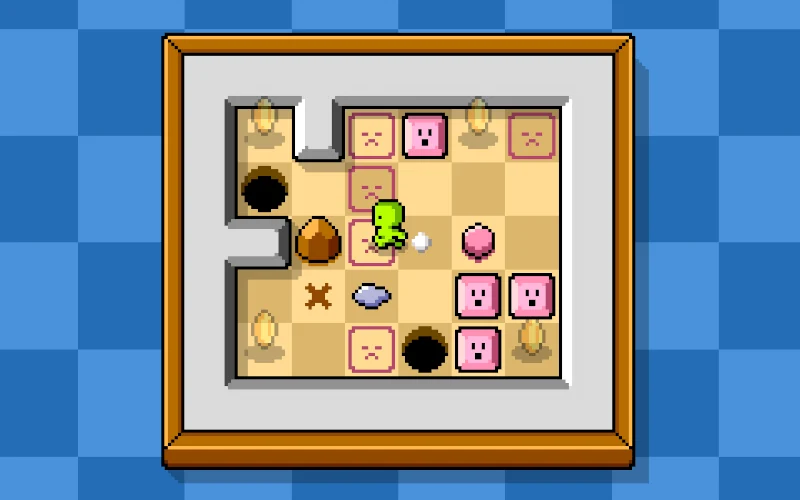
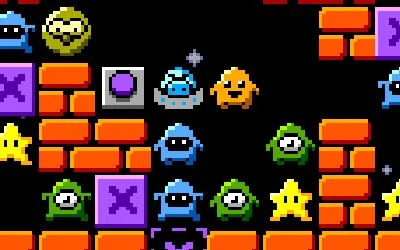
The creator combines Sokoban-style movement and match-three removal. A removed group changes the room you can navigate. Before completing a match, look beyond the pieces themselves and check whether the cleared cells help reach a star or the correct side of another movable piece.
Plan the standing space
A destination can look useful while the required pushing position is inaccessible. Trace the saucer’s approach to the piece before committing the push. This spatial check gives the matching mechanic a different role from an ordinary tile-swapping board: your own route matters alongside the colors.
Use the stars as the completion check
Removing goblins is a means of changing the board. The documented completion condition is collecting every star in the room. When a match looks satisfying, check the remaining stars and accessible corridors before deciding that the puzzle is nearly finished. Undo is available for comparing a different removal.
What happens to your progress?
A portable campaign export is not established by the reviewed entry. Check the running game before relying on a later resume.
Check the save and backup guide ↗A FEW USEFUL ANSWERS
Before the next click.
Is clearing every goblin the stated goal?
The creator says to collect every star; matching goblins removes obstacles.
Is there an undo key?
Backspace is the documented undo control.
A useful next read.
Plan a puzzle move, then use undo to test it. ↗Follow the source.
Jani Nykänen. Licence notice. Creator/source notices; see attribution.
Latest collected source change: Update genres (opens a new tab) . Repository activity does not identify the hosted game version.
All media and source credits ↗