KEEP THIS HANDY
Controls at a glance.
- Bottom palette
- Click a damage shape.
- Battlefield
- Click the intended position.
- Palette arrangement
- Rearrange shapes to make room for a larger one.
Choose the cannon’s unusual blast shape
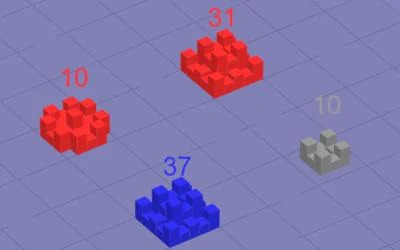
Defend against an approaching horde with a cannon whose damage covers unusual shapes. The game ends if an enemy reaches the left side of the screen.
How the game works
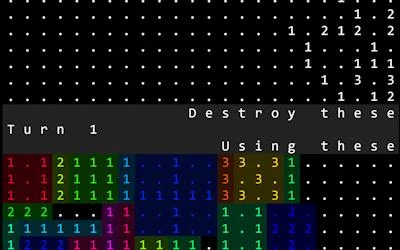
Select a shape in the bottom palette, then select a position on the battlefield above. The creator also lets players rearrange the palette to make room for larger shapes.
A practical starting point
Compare the shape with the approaching group before placing it. A large blast can hit several enemies, but its outline still determines which spaces it covers.
What happens to your progress?
A portable save or cross-device synchronization is not established by the reviewed documentation. Check the original game before relying on a later return.
Check the save and backup guide ↗A FEW USEFUL ANSWERS
Before the next click.
Can I make room for a larger blast shape?
The creator says you can rearrange the shapes in the bottom palette.
Does this site’s Saved button keep my progress?
Saved keeps a link to this profile on your device. Game progress belongs to the game and its host.
A useful next read.
Plan a route when you cannot see everything. ↗Follow the source.
Alexander Petrov. Licence notice. Source and image rights remain with their creators; see notices.
Latest collected source change: Update genres (opens a new tab) . Repository activity does not identify the hosted game version.
All media and source credits ↗