KEEP THIS HANDY
Controls at a glance.
- Left / Right / Up
- Move and jump.
- Space
- Swing the bat.
- Hold X
- Grab and move an eligible object.
How the game works
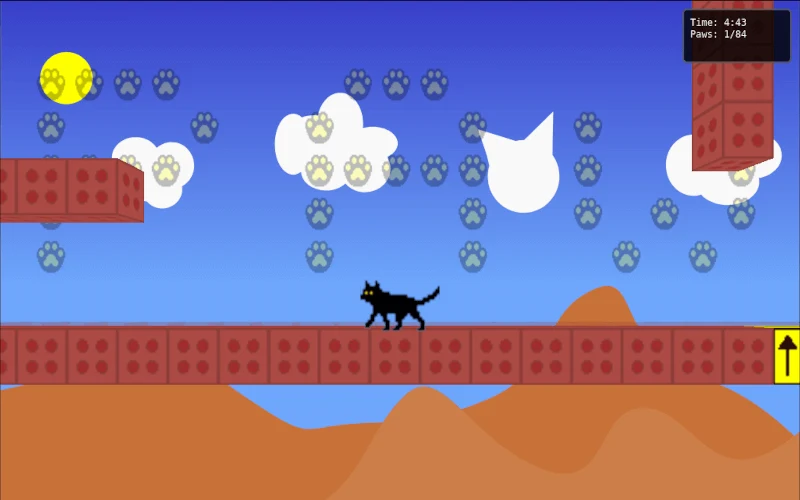
The left and right arrows move, Up jumps and Space swings the bat. X is held to grab and move objects that the game allows the player to move.
A decision to watch
The watch is the stated time pressure, so learn the response to a jump before trying to hurry across an unfamiliar obstacle. A movable object may affect the path through a space.
Try a first session
The original entry describes a campus setting and a deadline, not a verified completion by this guide. Follow the live game’s instructions when an object or obstacle introduces a new interaction.
What happens to your progress?
A portable save or mid-run resume is not established by the reviewed instructions. Check the game’s own menu before clearing its browser data.
Check the save and backup guide ↗A FEW USEFUL ANSWERS
Before the next click.
How do I move an object?
Hold X to grab and move an object that the game allows you to interact with.
What is the time pressure?
Munchie’s wristwatch moves toward the start of class as the player crosses campus.
A useful next read.
Platform games: read the route when movement changes ↗Follow the source.
Justin Hunter. Licence notice. No code licence was identified by GitHub; consult the creator’s repository; original media rights are separate.
Latest collected source change: initial commit (opens a new tab) . Repository activity does not identify the hosted game version.
All media and source credits ↗