KEEP THIS HANDY
Controls at a glance.
- Visible action buttons
- Read the label and current cost before choosing an action.
- Save screen
- Choose a local slot and save manually or enable its autosave.
- File save / load controls
- Generate backup text or paste saved text into the import interface.
Give the sparse opening time
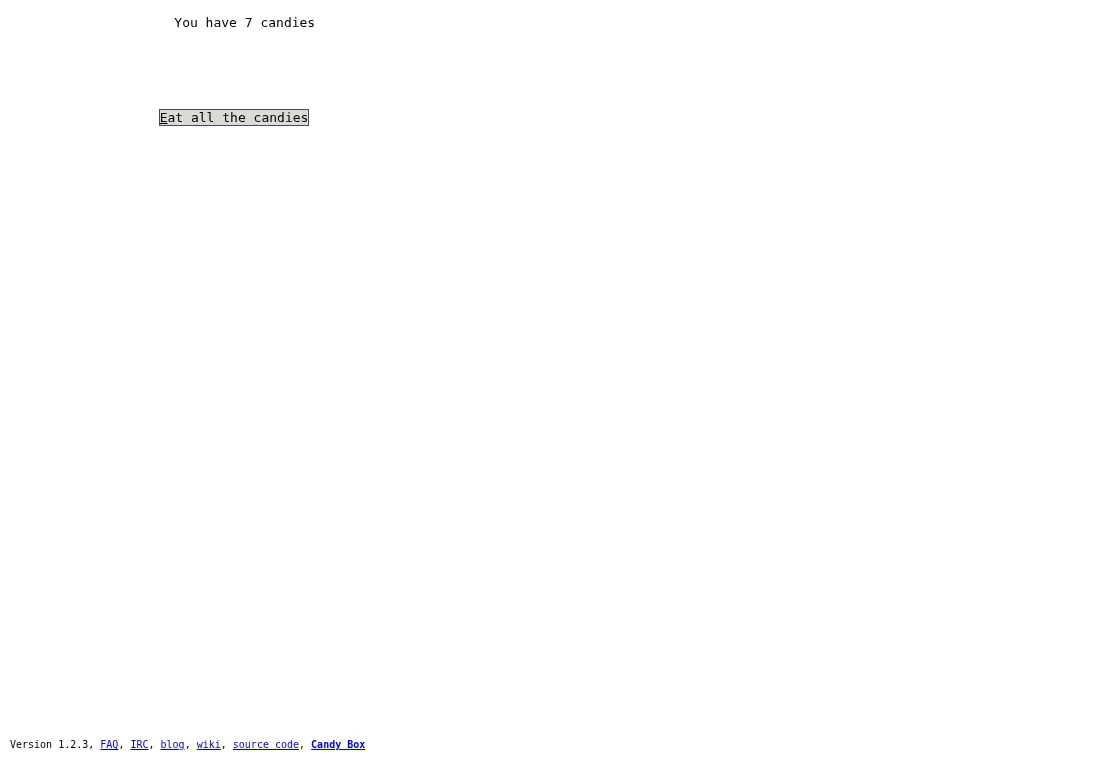
The first screen is deliberately small. A candy count and a button do not represent the whole interface you will discover. During an opening session, observe what new choices become available as resources accumulate. If you want to preserve the discovery, read button labels and local help before looking up a map of later areas.
Resources create a choice
Spending changes what remains available for another action. As a learning approach, check the current count and the next action’s requirement together. If progress feels stalled, return to the screens you have already opened and inspect their choices. This guide keeps later locations and solutions out of the introduction.
A local slot and a text backup serve different purposes
The source provides five local save slots. Its autosave action writes the selected slot before enabling further autosaves. A separate file-save interface generates text that can be copied and later pasted into file load. Preserve that full text in a separate document; the interface is not evidence that a download has already been saved on your device.
What happens to your progress?
The save screen implements five local slots, an autosave option and text backup/import. Select and use them; autosave should not be assumed enabled.
Check the save and backup guide ↗A FEW USEFUL ANSWERS
Before the next click.
Why does the opening look almost empty?
The game starts with a small interface and reveals more through play. This guide deliberately avoids later story details.
Is autosave automatically protecting my progress?
The source exposes an action to enable autosave for a chosen slot. Check its state in your game and keep a separate text backup.
A useful next read.
Candy Box 2: start slowly, save deliberately. ↗Follow the source.
David “aniwey” L. and Candy Box 2 contributors; ASCII art and music have their published credits. Licence notice. GPL-3.0-or-later source with a section 7 compacted-source permission.
- Official browser host
- Source and game licence notice
- Save-slot and text-backup implementation
- Local storage implementation
Latest collected source change: Merge pull request #48 from candybox2/ci-github-pages (opens a new tab) . Repository activity does not identify the hosted game version.
All media and source credits ↗