KEEP THIS HANDY
Controls at a glance.
- A / D
- Move left or right.
- Space
- Jump and reverse gravity.
- On-screen buttons
- Use the documented mobile direction and jump controls.
How the game works
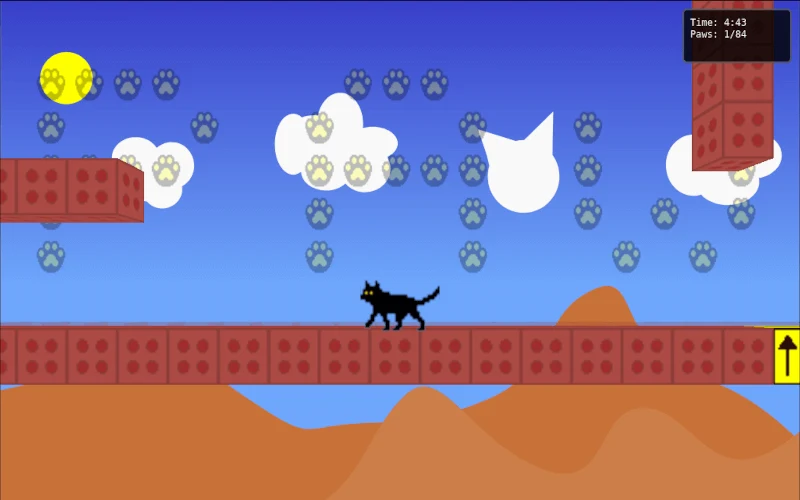
A jump changes which side of the room acts as the floor. Look at both surfaces before leaving one, because the same movement that clears a gap can put the cat on a different route.
A decision to watch
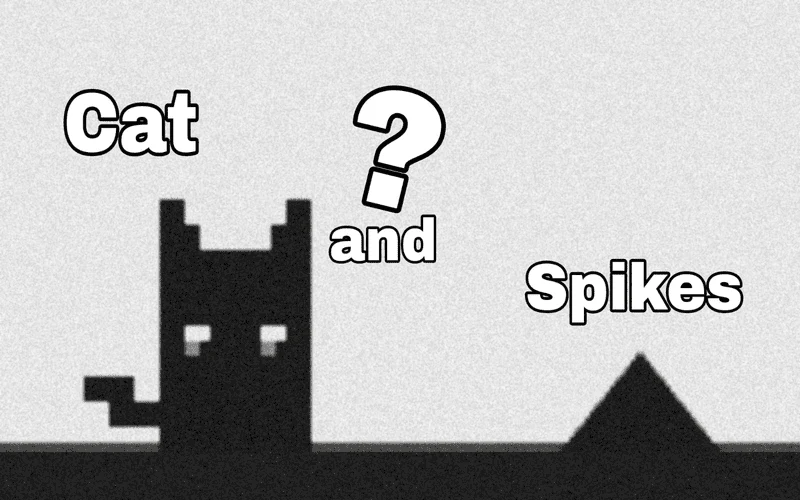
The green button is the objective in each level. Spikes remain hazards as the direction of gravity changes, so a safe landing matters as much as the takeoff.
Try a first session
Desktop players use A and D to move and Space to jump; the creator also documents separate on-screen buttons. Work through one reversal at a time before attempting a longer sequence.
What happens to your progress?
A portable save or mid-run resume is not established by the reviewed instructions. Check the game’s own menu before clearing its browser data.
Check the save and backup guide ↗A FEW USEFUL ANSWERS
Before the next click.
What happens when the cat jumps?
A jump reverses gravity, so the opposite surface becomes the next place to look for a safe landing.
Can I use on-screen controls?
The creator documents mobile direction and jump buttons alongside the desktop keys.
A useful next read.
Platform games: read the route when movement changes ↗Follow the source.
qufakuz. Licence notice. No code licence was identified by GitHub; consult the creator’s repository; original media rights are separate.
Latest collected source change: CatAndSpike com 4 (opens a new tab) . Repository activity does not identify the hosted game version.
All media and source credits ↗