KEEP THIS HANDY
Controls at a glance.
- Hold Space + A / D
- Aim a launch, then release Space.
- Mouse buttons
- Place the blue and orange portals.
- R
- Reset the current level.
How the game works
On the ground, hold Space, aim with A and D, and release Space to launch. The resulting movement carries momentum, so a short adjustment can change where the next landing happens.
A decision to watch
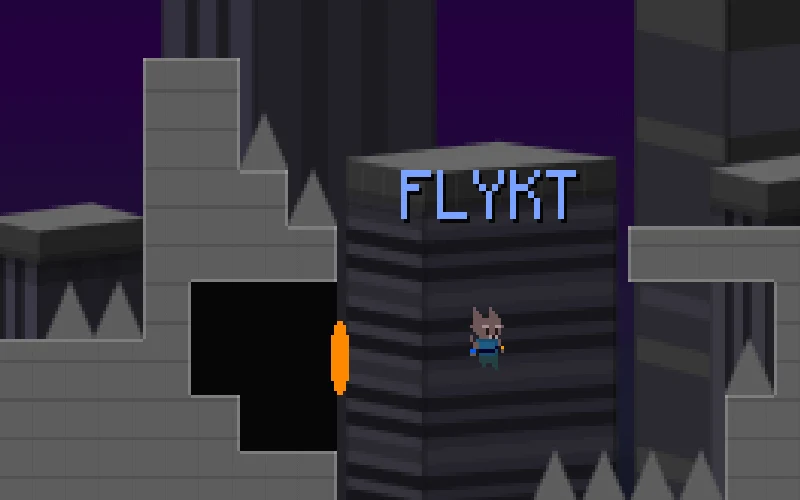
The left and right mouse buttons place blue and orange portals. Consider the way out of one portal as well as the way in before committing to a fast approach.
Try a first session
R resets the current level. The creator also suggests holding jump in the air to stick a landing; try that in a manageable section before combining it with portal placement.
What happens to your progress?
A portable save or mid-run resume is not established by the reviewed instructions. Check the game’s own menu before clearing its browser data.
Check the save and backup guide ↗A FEW USEFUL ANSWERS
Before the next click.
How do I control a launch?
Hold Space on the ground, aim with A or D, then release. The launch carries momentum into the landing.
What do the two mouse buttons do?
They place the blue and orange portals. R resets the current level if you want to try the route again.
A useful next read.
Platform games: read the route when movement changes ↗Follow the source.
Jake Turner. Licence notice. No code licence was identified by GitHub; consult the creator’s repository; original media rights are separate.
Latest collected source change: generic gamepad support (opens a new tab) . Repository activity does not identify the hosted game version.
All media and source credits ↗