KEEP THIS HANDY
Controls at a glance.
- Any key at the opening
- Continue from the original title screen.
- Keyboard movement
- Read the in-game help for the active directional mappings.
- Help / inventory commands
- Use the displayed command list to inspect status and carried items.
Watch the status before exploring
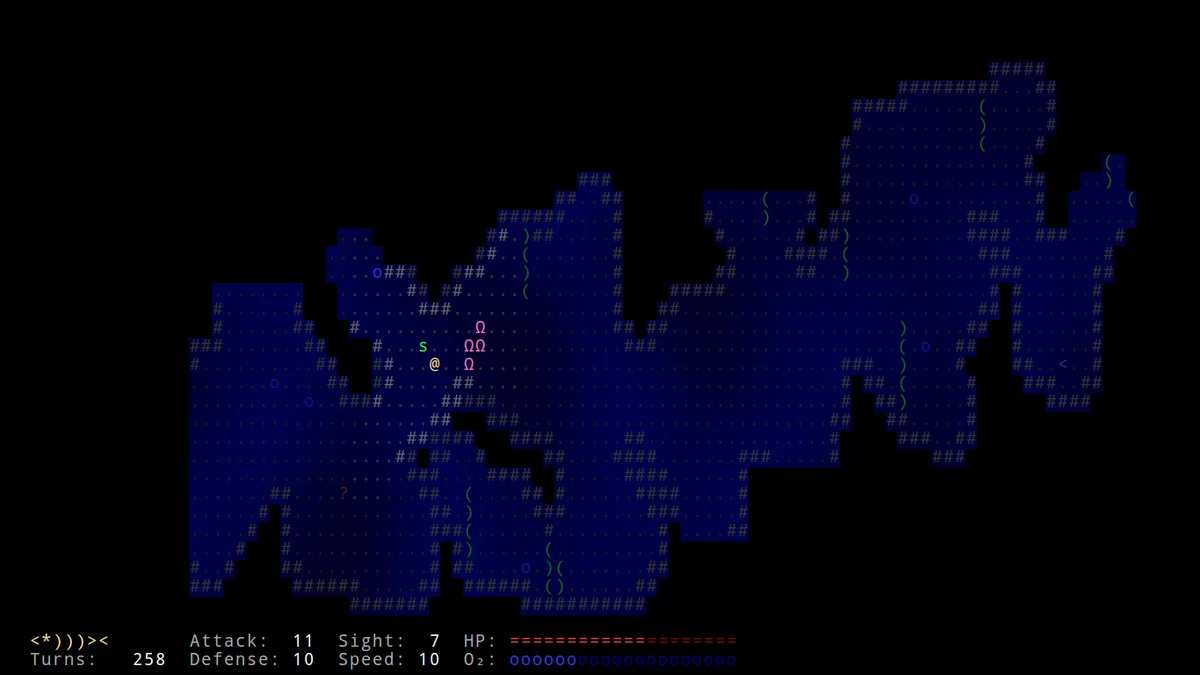
The development log explicitly identifies oxygen and status as implemented systems. Find those indicators when entering the game and observe how an ordinary action changes them. This is a more useful opening exercise than moving through many cells and trying to reconstruct which action affected a resource afterward.
Read inhabitants as part of the world
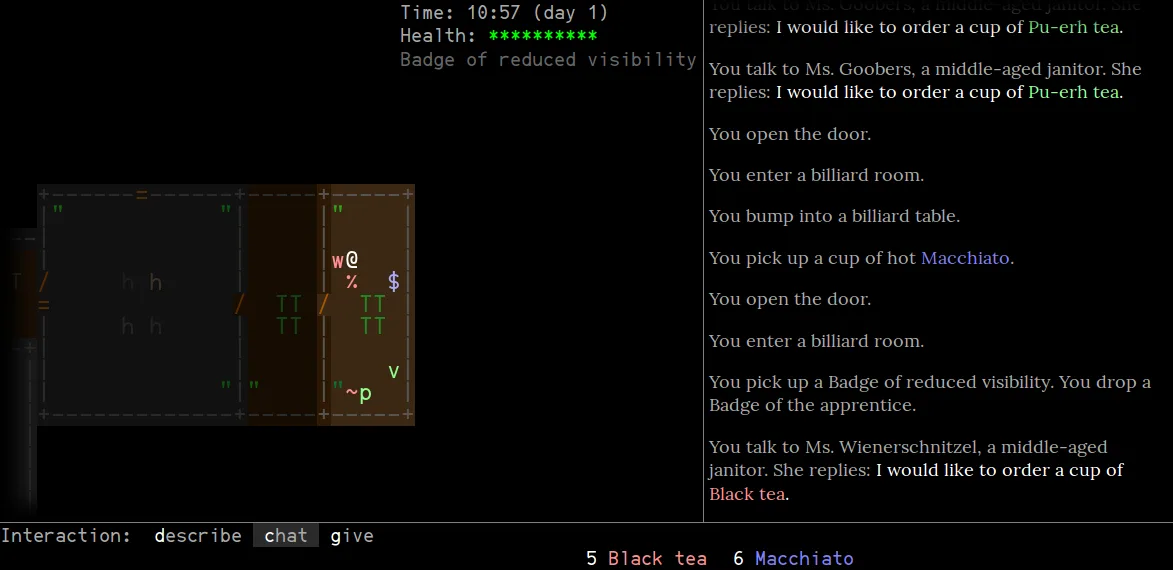
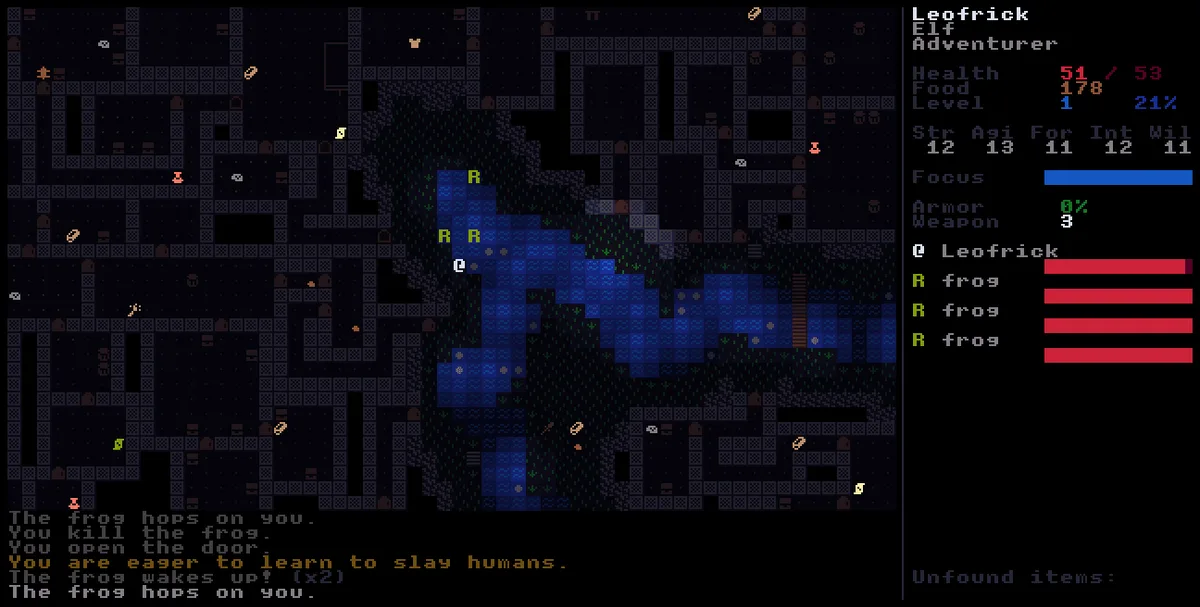
The source notes include fishermen, quest items, chats and enemies. An encountered character can therefore need more attention than a map obstacle. Read the current message and the available interaction before assuming every nearby symbol should be attacked or ignored. This profile leaves quest solutions and later discoveries unspoiled.
Keep inventory choices visible
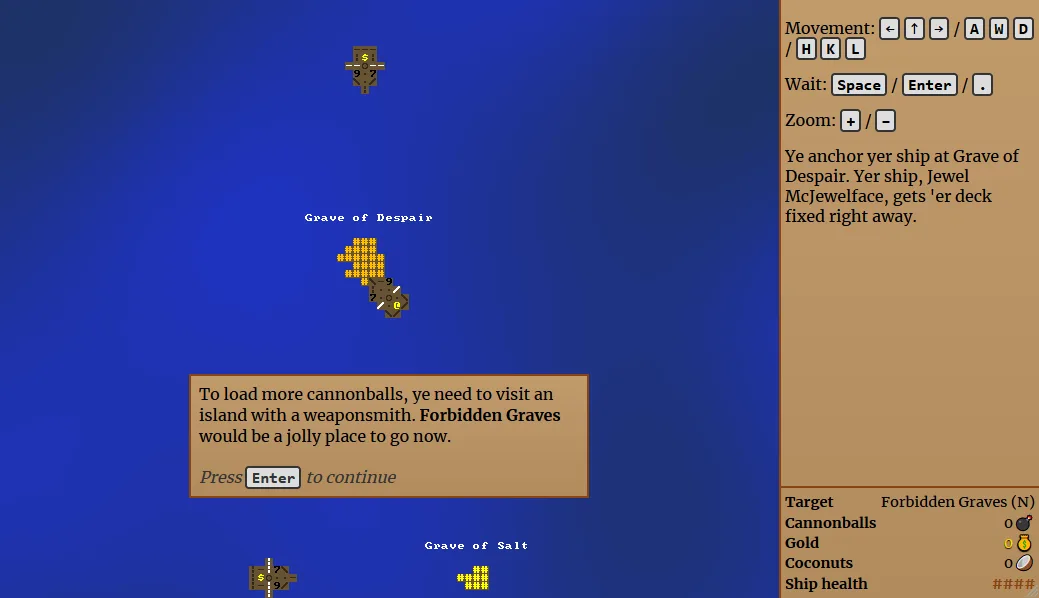
The project includes items, slots and inventory. Inspect what is carried and which slots are occupied when you receive an item-related message. The published source and screenshot establish those systems; this guide does not claim a completed quest chain, an optimal equipment plan or a tested portable save restoration.
What happens to your progress?
A portable campaign backup was not established by the reviewed documentation. Treat the linked game and this site’s Saved shortlist as separate records.
Check the save and backup guide ↗A FEW USEFUL ANSWERS
Before the next click.
Is this a fishing game?
It is an aquatic roguelike with fish, inhabitants, quests and status systems, rather than a conventional fishing simulator.
Are oxygen and inventory documented?
Yes. They appear in the creator’s development notes and source.
A useful next read.
Choose a game for the controls you have. ↗Follow the source.
Ondřej Žára. Licence notice. No explicit repository-wide licence found; creator screenshot used as an editorial reference.
Latest collected source change: Update README.md (opens a new tab) . Repository activity does not identify the hosted game version.
All media and source credits ↗