KEEP THIS HANDY
Controls at a glance.
- Arrows / A / D; Up / W / Z / Space
- Move horizontally and jump.
- R / Enter; Q / Backspace
- Start a new loop or undo.
- T / Esc; mobile D-pad and buttons
- Restart, pause, or use the creator-documented mobile control layout.
Assign a job to each recorded route
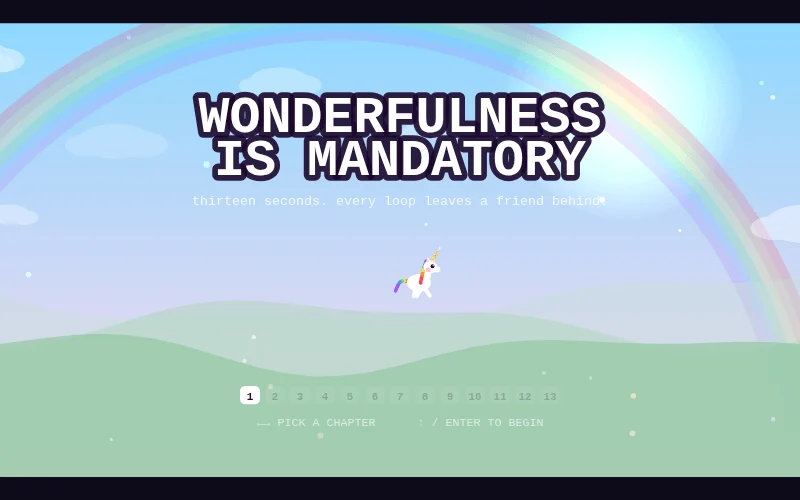
When a loop ends, a ghost replays the exact moves. Decide whether a route is meant to hold a switch, position a mirror or make a crossing possible. That job gives you a concrete success condition for the recording before you begin a second dependent route.
Read beams as part of the terrain
The creator describes mirrors, prisms and color filters that route rainbow beams, with beams also forming walkable paths. A route can therefore depend on both the circuit state and where a unicorn stands. Inspect the timing of that relationship before treating a missing bridge as an ordinary jumping problem.
Use the timing tools deliberately
New-loop, undo, fast-forward, restart and pause controls are documented separately. Use the control that matches your experiment: undo compares an earlier decision, while restart discards a broader attempt. The source also describes mobile controls, but this entry does not claim a physical-phone test or a completed 13-chapter run.
What happens to your progress?
A portable campaign export is not established by the reviewed entry. Check the running game before relying on a later resume.
Check the save and backup guide ↗A FEW USEFUL ANSWERS
Before the next click.
How long is a loop?
The creator documents a 13-second loop.
Is mobile input documented?
Yes. The entry describes a D-pad, jump control and pills for loop-related actions.
A useful next read.
Plan a puzzle move, then use undo to test it. ↗Follow the source.
Munshi / Mvnshi. Licence notice. Creator/source notices; see attribution.
Latest collected source change: Update genres (opens a new tab) . Repository activity does not identify the hosted game version.
All media and source credits ↗