KEEP THIS HANDY
Controls at a glance.
- Pointer drawing
- Create fences after the tutorial enables drawing.
- Tutorial hints
- Read and dismiss the current explanation to continue.
- Battlefield
- Watch approaching zombies and the remaining fences.
Watch the tutorial collision
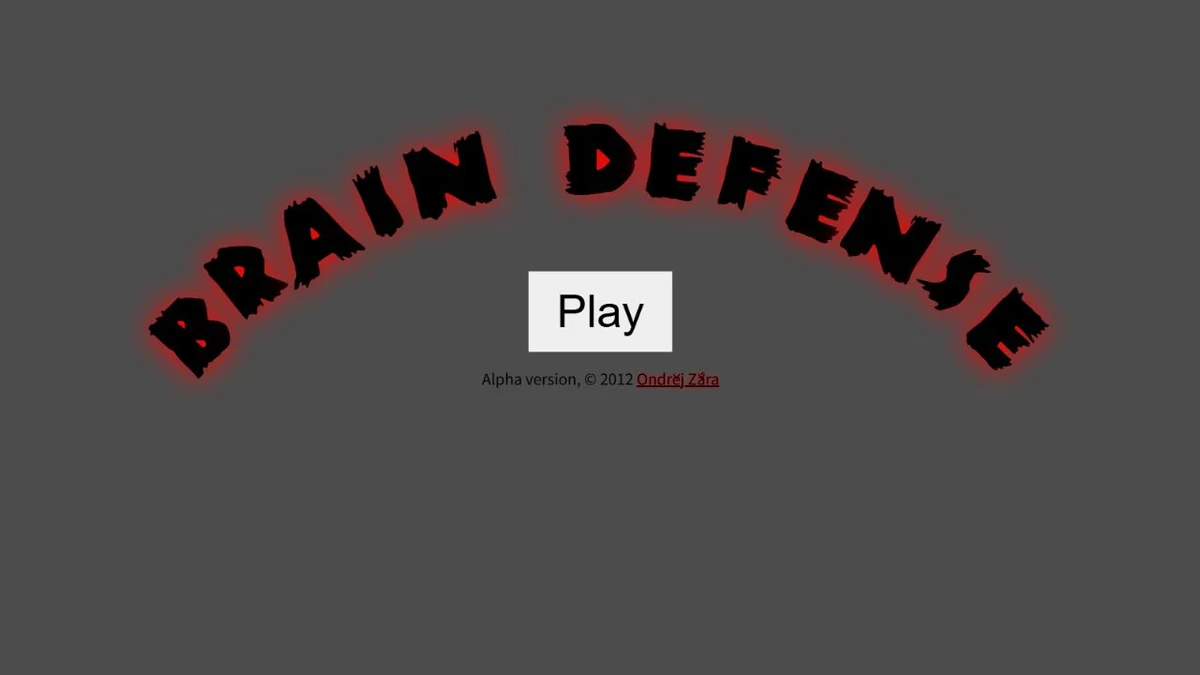
The source tutorial begins with a zombie moving toward a brain behind a laser fence. Its next hint notes that the zombie was destroyed and the fence disappeared. That demonstration is the key opening rule: a visible barrier is not a promise of permanent protection, and another approaching zombie may need a new defensive action.
Wait until drawing is enabled
The tutorial progresses through hints and a demonstration before enabling player drawing and enemy spawning. If the first screen does not respond as expected, read the current hint rather than treating it as a broken control. The game deliberately introduces the interaction before allowing the defensive loop to begin.
Read paths before drawing repeatedly
As an opening exercise, follow one approaching zombie and decide where a fence would intersect its route. Observe the resulting collision before adding many unrelated lines. This is practical learning advice drawn from the tutorial’s mechanic, not a claim about an optimal survival strategy, a completed level or a verified phone gesture.
What happens to your progress?
A portable campaign backup was not established by the reviewed documentation. Treat the linked game and this site’s Saved shortlist as separate records.
Check the save and backup guide ↗A FEW USEFUL ANSWERS
Before the next click.
Are laser fences permanent?
The tutorial explicitly shows the demonstrated fence disappearing after destroying a zombie.
Why can’t I draw at the first hint?
The tutorial enables drawing only after its initial hints and demonstration.
A useful next read.
Choose a game for the controls you have. ↗Follow the source.
Ondřej Žára; original artwork from the project repository. Licence notice. No explicit repository-wide licence found; original sprite sheet used as an editorial reference.
Latest collected source change: label positioning (opens a new tab) . Repository activity does not identify the hosted game version.
All media and source credits ↗