KEEP THIS HANDY
Controls at a glance.
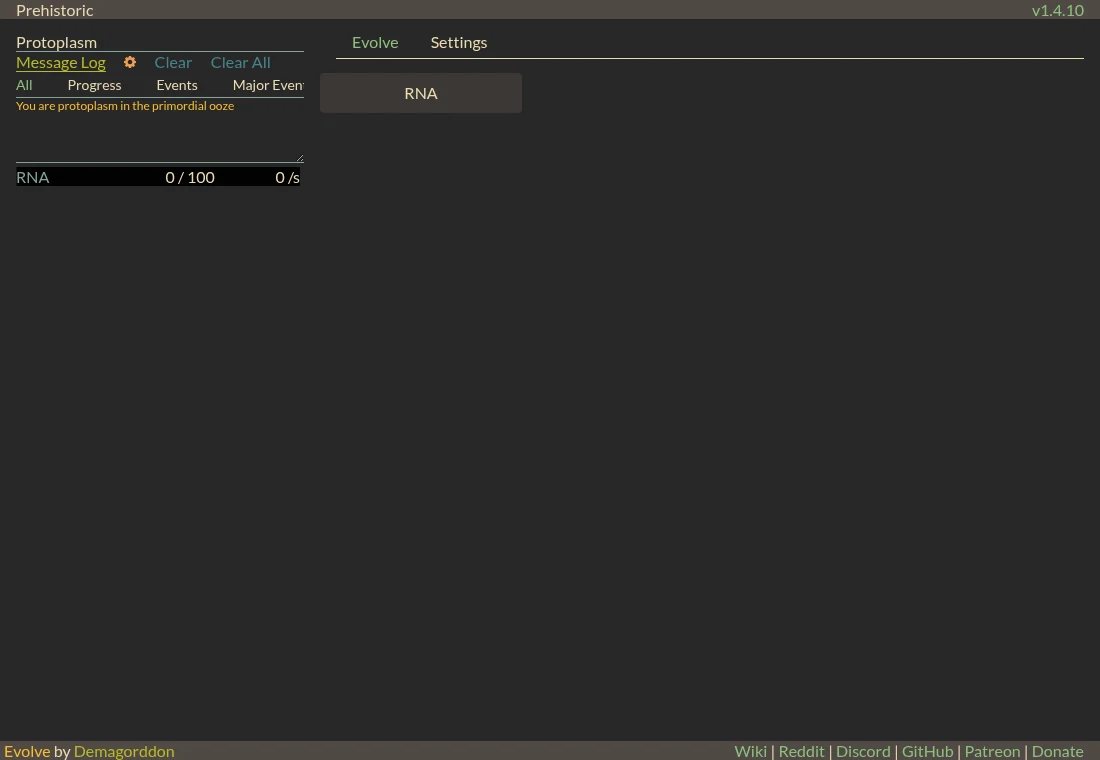
- Action buttons
- Read the cost and result, then choose the resource or development action.
- Resource panel / message log
- Inspect amounts, capacity, production and recent changes.
- Settings
- Find saving, export/import and display controls.
Use the opening to learn the panels
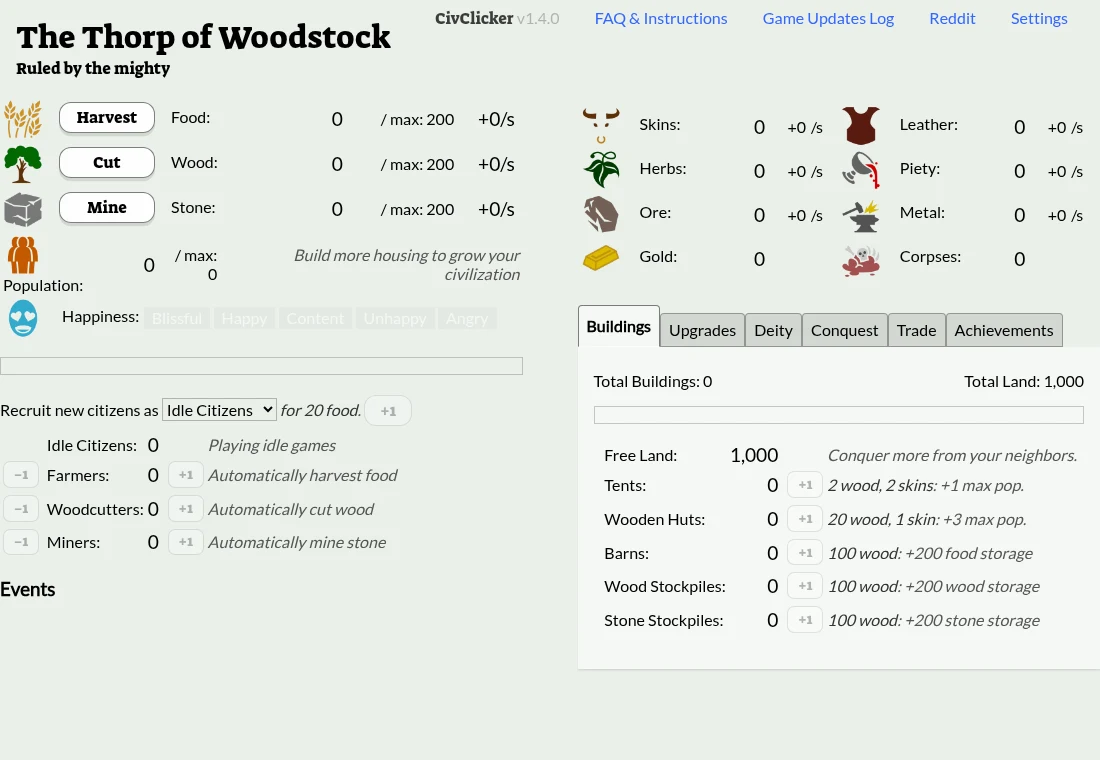
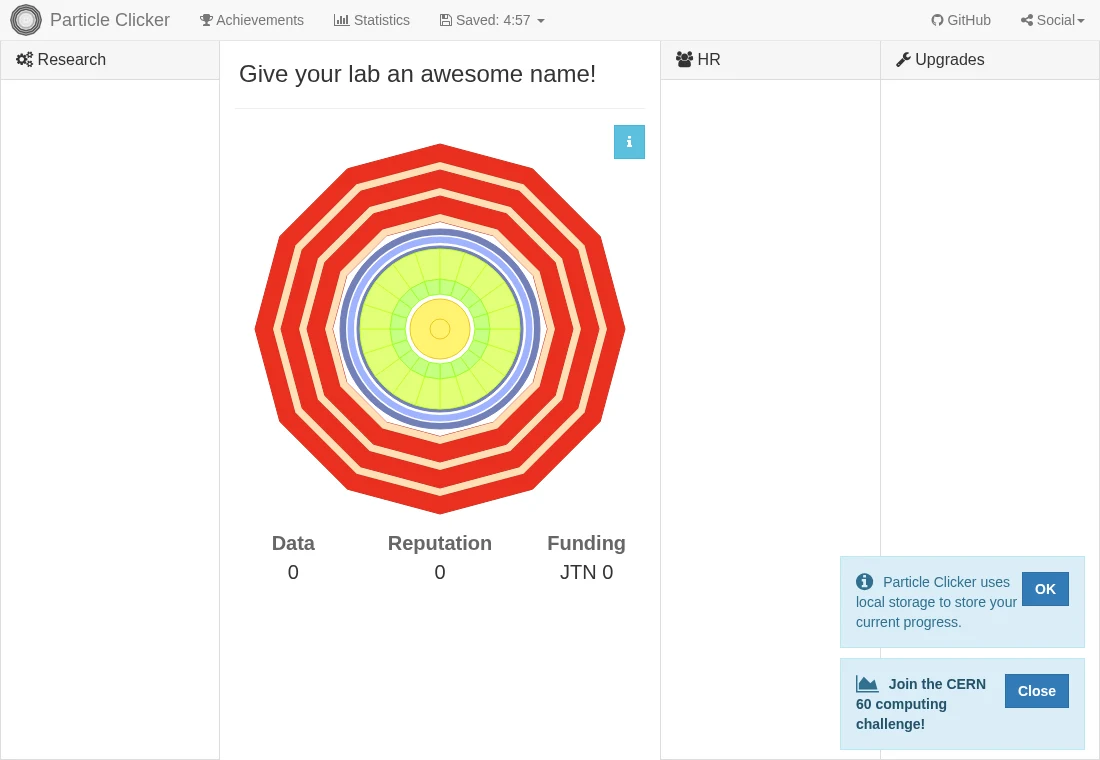
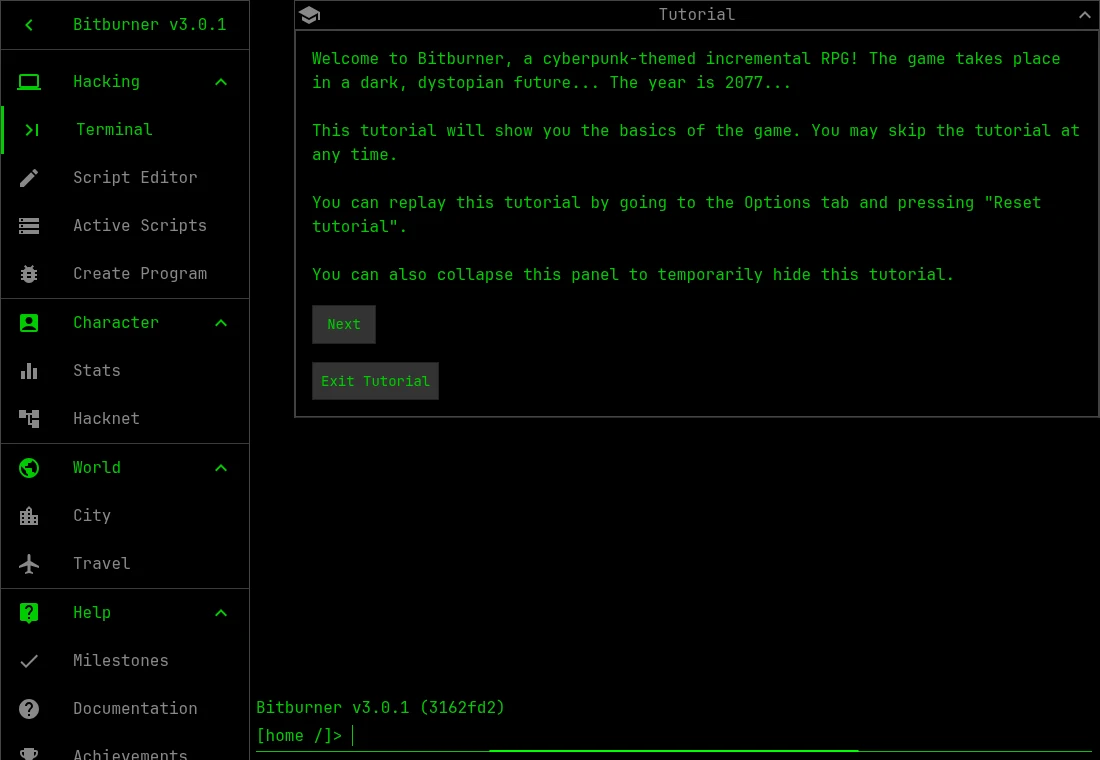
The first screen separates a resource panel, a message log and the available action. Follow one click across those regions. A changing amount, a storage limit and a production rate answer different questions. Learning where to read them helps when later screens offer many more actions.
Expand around the next constraint
The maintainer describes both idle mechanics and micromanagement. Waiting is useful only when the needed resource can still accumulate. As a planning habit, identify whether the next purchase lacks stock, capacity or a prerequisite before changing several systems at once. This is a general diagnostic approach, not a prescribed optimal evolution path.
Read reset labels before using them
The current Settings interface distinguishes ordinary save functions from reset actions. Its warning explicitly says that a full wipe is not a prestige mechanic. Use an export as a backup and leave destructive controls alone while learning. This guide does not promise that a save from another fork or version will import correctly.
What happens to your progress?
Settings exposes save and export/import controls. Keep a separate export and read the distinction between prestige and destructive resets.
Check the save and backup guide ↗A FEW USEFUL ANSWERS
Before the next click.
Is it only a clicker?
The project describes clicking, idle production and micromanagement across a civilization’s development.
Can I reset just to get unstuck?
Read the exact control. A destructive wipe and a prestige action have different consequences; keep an export first.
A useful next read.
Evolve: tell stock, capacity and production apart. ↗Follow the source.
Demagorddon / pmotschmann and Evolve contributors. Licence notice. MPL-2.0.
Latest collected source change: 1.4.1 (opens a new tab) . Repository activity does not identify the hosted game version.
All media and source credits ↗