KEEP THIS HANDY
Controls at a glance.
- Mouse position
- Set the creature’s target position.
- Hold mouse button
- Use the stronger movement input defined by the source.
- Touch drag
- Set direction and movement force through the touch joystick.
The pointer sets a movement target
The reviewed source updates a target from mouse position and changes movement power while the button is held. That is different from directly placing the creature at the cursor. Try a short target change and watch the body follow before attempting a narrow route.
Touch uses a directional gesture
The touch path measures the angle and distance from the start of a gesture, then uses that to choose direction and force. A small movement can fall inside the input’s dead zone. This is source-backed control information; a full physical-phone escape has not been completed here.
Let the current scene establish the next task
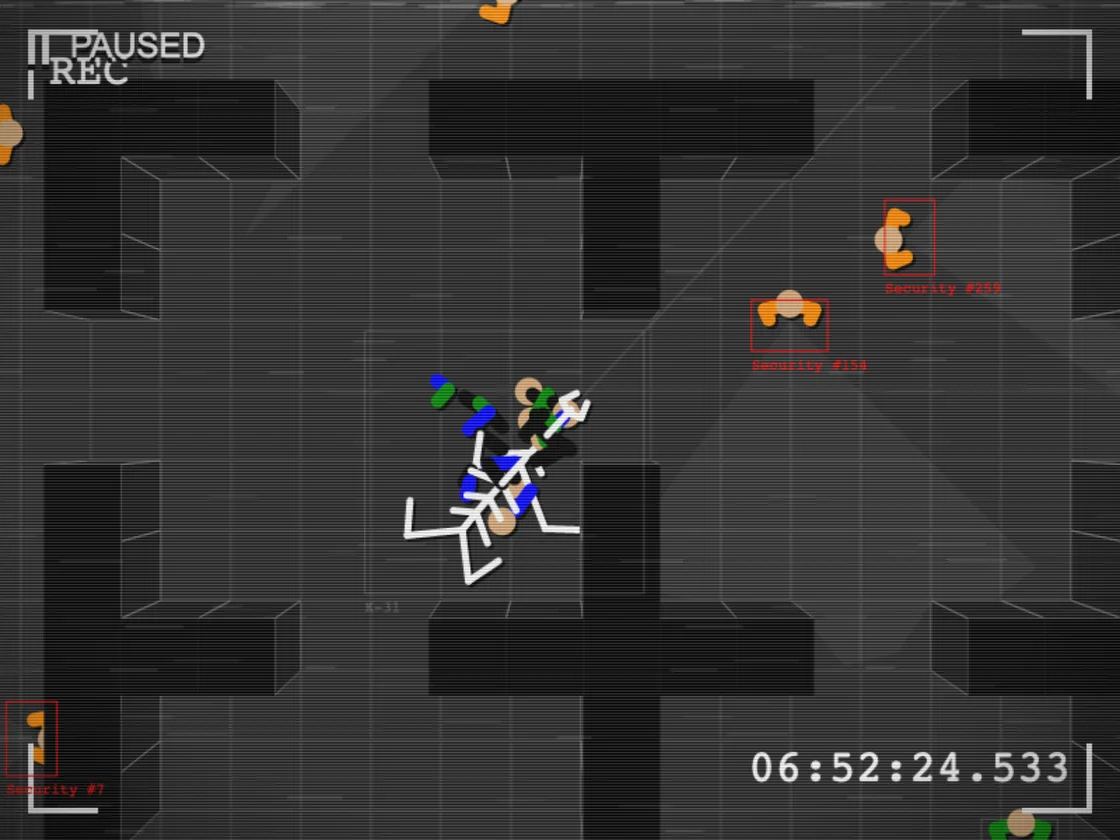
The creator’s premise describes a specimen escaping after containment fails. Read the active room and prompts as you progress. This profile keeps the story’s opening intact and avoids inventing an ending, a puzzle solution or a persistent checkpoint system from the premise alone.
What happens to your progress?
Persistent campaign saving has not been established by the reviewed documentation. Treat the linked build as a session unless its menu says otherwise.
Check the save and backup guide ↗A FEW USEFUL ANSWERS
Before the next click.
Do I need keyboard movement?
The reviewed source provides mouse and touch movement paths, with a gamepad path as another option.
Is the escape route fully documented here?
No. This is a spoiler-light opening and control guide, not a claimed completed walkthrough.
A useful next read.
Small action games: learn the second action. ↗Follow the source.
Rémi Vansteelandt / Tap2Play. Licence notice. See project and artwork notices; original game linked externally.
Latest collected source change: Match intern names (opens a new tab) . Repository activity does not identify the hosted game version.
All media and source credits ↗