KEEP THIS HANDY
Controls at a glance.
- Action buttons
- Read the action’s cost, requirements and cooldown.
- Exploration and resource panels
- Check equipment, supplies and the current sector before traveling.
- Map / camp interface
- Use discovered information to plan a return route.
Read the cost before the destination
The maintainer documents actions with costs, requirements and cooldowns. Inspect those conditions before choosing an exploration action. A location can be interesting while the current equipment or supplies make another small step more sensible. Start by learning what one action consumes and what information it reveals.
Treat a generated map as your own campaign
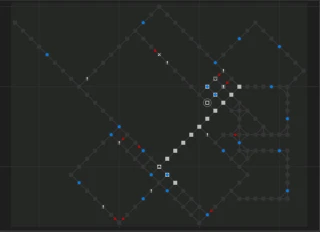
The world creator uses a seed to produce levels, sectors, resources and hazards. A published sample map explains the structure, but it is not a route for the campaign you are playing. Record the landmarks and paths your actual run reveals before following someone else’s sequence of directions.
Match technical advice to the live branch
The README distinguishes the master development branch from the more stable gh-pages build used for the live game. When reporting a problem, include the host, version and action involved. Source documentation can explain a system without proving that an unfinished development change is present in your current browser build.
What happens to your progress?
The source has a save system and generates the world from a seed. Keep the original host and inspect the active build’s backup controls before clearing browser data.
Check the save and backup guide ↗A FEW USEFUL ANSWERS
Before the next click.
Is the pictured map my campaign map?
No. It is a sample level structure published in the repository; the game generates maps from a seed.
Does master always match the live game?
The maintainer says master is development while gh-pages contains the more stable live build.
A useful next read.
Level 13: give an expedition a return plan. ↗Follow the source.
nroutasuo and Level 13 contributors. Licence notice. Apache-2.0.
- Maintainer’s overview and live-build distinction
- Original browser build
- Action costs and requirements implementation
Latest collected source change: [ui] update references to alpha version (opens a new tab) . Repository activity does not identify the hosted game version.
All media and source credits ↗