KEEP THIS HANDY
Controls at a glance.
- Left / right or A / D
- Move.
- Space / up / W / Z
- Jump.
- Opening controls and on-screen arrows
- Read the active keyboard or touch instructions before starting.
Learn a jump before chasing the timer
The source tracks jump hold time and requires a release between jumps. Test a short press and a longer hold in an easy section. The result gives you a useful reference when a ledge or threat makes the timing less forgiving.
Route difficulty is a deliberate choice
The README says levels offer obvious routes and harder alternatives. Take the readable path first so you can identify where an alternate route begins and ends. A faster-looking shortcut is worth comparing only after you understand what it asks you to avoid.
A time record is smaller than a campaign save
The reviewed game code stores best times and distinguishes difficulty context. That supports a local performance record, not a claim that every position survives closing the tab. Keep the original host when comparing records, since local storage belongs to that browser origin.
What happens to your progress?
Reviewed source stores best-time records in localStorage. A portable in-level save is not established.
Check the save and backup guide ↗A FEW USEFUL ANSWERS
Before the next click.
What is the goal?
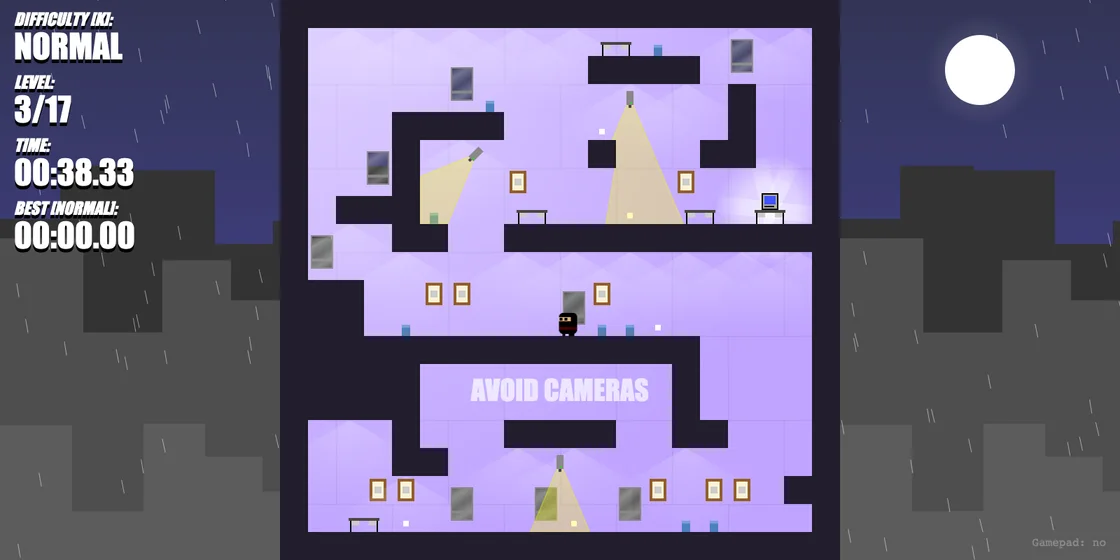
The creator describes scaling the tower to find the evil plans without being spotted.
Does a timer mean I must speed-run immediately?
The timer supports route comparison; learning the visible path is a reasonable first task.
A useful next read.
Platformer practice: make one landing repeatable. ↗Follow the source.
Rémi Vansteelandt / Tap2Play. Licence notice. See project and artwork notices; original game linked externally.
Latest collected source change: Not using any flatMap or flat() (opens a new tab) . Repository activity does not identify the hosted game version.
All media and source credits ↗