KEEP THIS HANDY
Controls at a glance.
- Arrow keys
- Walk and push a box when the space beyond it is clear.
- On-screen buttons
- Documented directional touch controls.
- Level selector
- Choose a layout using the game’s menu.
Plan the player’s route as well as the box’s
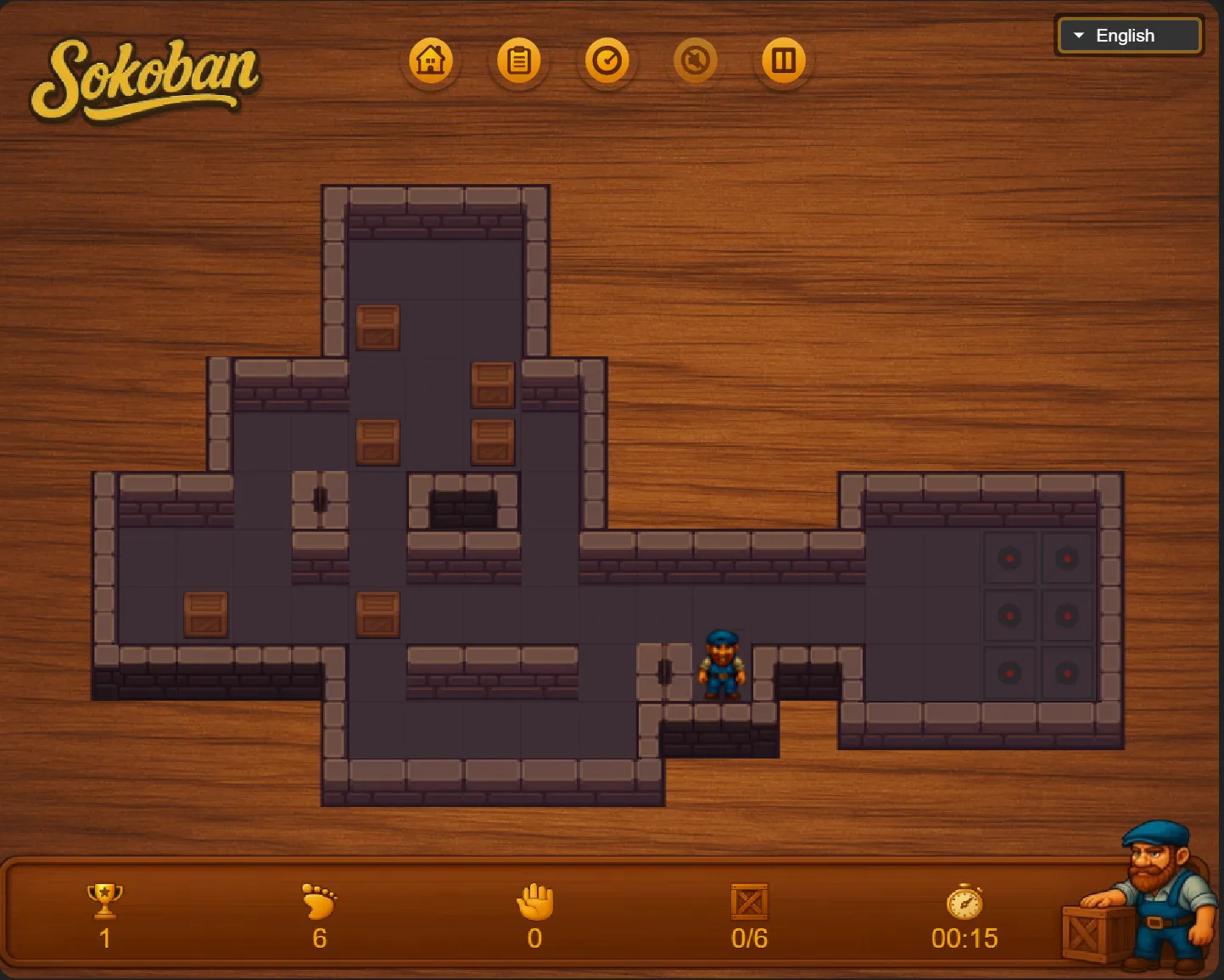
A clear line from a box to a goal is only part of a solution. The player needs to reach the correct side for every push. Try tracing a proposed route backward from the goal: where must the box stand just before arrival, and where must the player stand to move it there? This often exposes a blocked approach before you commit.
Treat corners carefully
A box pushed into an ordinary wall corner cannot be pulled back out under Sokoban’s push-only rules. A corner that is itself a goal can be useful; an unmarked corner is a warning. Two boxes can also obstruct one another in a narrow passage. Leave shared corridors available until the boxes that need them have passed.
Use a repeated board to learn
The project tracks moves, pushes and time, and provides level selection. For an opening practice session, focus on completing a layout with understandable pushes. Return to that layout to reduce unnecessary walking once the route is clear. A low move count is a separate goal from learning why the solution works.
What happens to your progress?
The project documents automatic progress saving. Keep the same host and browser; an export is not established here.
Check the save and backup guide ↗A FEW USEFUL ANSWERS
Before the next click.
Can I pull a box away from a wall?
The documented puzzle uses pushing. Plan access to the opposite side before moving a box against a wall.
Is this the original executable?
This is a modern JavaScript and Canvas implementation of the puzzle.
A useful next read.
Sokoban: check the square behind the box. ↗Follow the source.
klevze and contributors; Sokoban was created by Hiroyuki Imabayashi. Licence notice. MIT implementation.
Latest collected source change: Merge branch 'release/0.1.0' (opens a new tab) . Repository activity does not identify the hosted game version.
All media and source credits ↗