KEEP THIS HANDY
Controls at a glance.
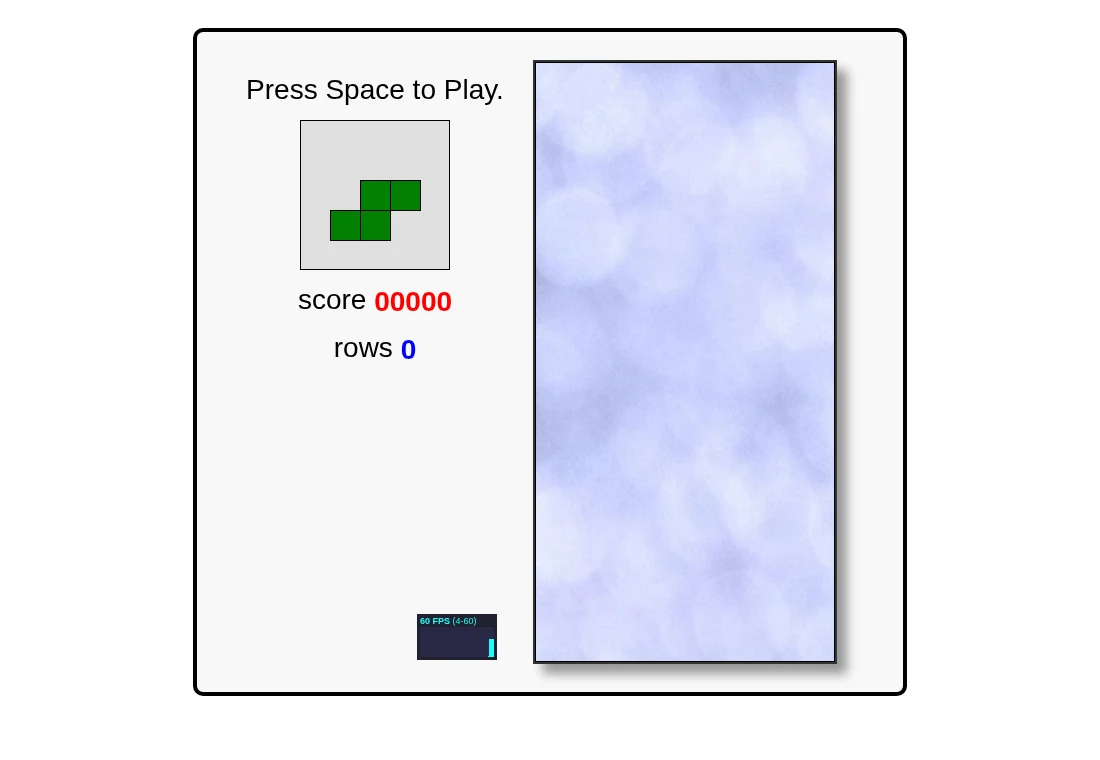
- Space
- Start when a game is not running.
- Left / right
- Move the falling piece sideways.
- Up
- Rotate.
- Down
- Move the piece downward.
- Escape
- Ends the current game in this implementation; it is not a pause key.
Leave gaps you can still reach
A covered empty cell is harder to fill than an open vertical space. As an opening strategy, keep the surface reasonably low and avoid placing a horizontal roof over a hole. Clearing a modest line now can be more useful for learning than building a tall stack around a hoped-for future piece.
Use the next-piece preview
The interface displays an upcoming piece beside the board. Consider both pieces before making a placement: where will the next one have room? This is practical planning advice for this implementation, not a promise that it shares the rotation rules, scoring details or competitive features of a current commercial Tetris release.
Know what the small demo leaves out
The README lists features such as persistent high scores, touch support and music as future work. Its key handler also sends Escape to the game-ending function. Do not use Escape as a pause shortcut while protecting a run. This guide describes that specific code rather than assuming features from another falling-block game.
What happens to your progress?
Persistent high scores and campaign saves are not documented features of this implementation.
Check the save and backup guide ↗A FEW USEFUL ANSWERS
Before the next click.
Can I pause with Escape?
The checked source ends the current game on Escape. Treat it as an ending command.
Can I play with touch controls?
The README lists touch support as future work. A physical keyboard is the practical choice here.
A useful next read.
Falling blocks: keep a useful next move available. ↗Follow the source.
Jake Gordon; Tetris is an existing game design and mark. Licence notice. MIT implementation; third-party game names retain their owners.
Latest collected source change: update links s/codeincomplete.com/jakesgordon.com (opens a new tab) . Repository activity does not identify the hosted game version.
All media and source credits ↗