KEEP THIS HANDY
Controls at a glance.
- Arrows / WASD
- Control the helicopter; A/Q and W/Z alternatives are present in source.
- Space
- Shoot; the opening prompt also uses it to deploy.
- Touch zones
- The source separates left, right, shoot and up across four screen regions.
Flight comes before speed
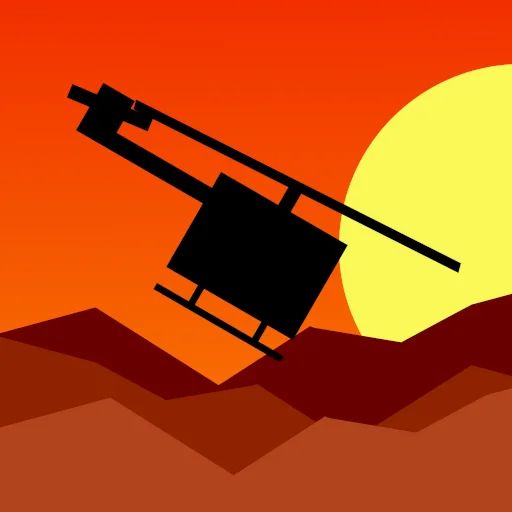
A helicopter has to remain clear of scenery while changing position. Use the opening space to make a small correction and watch the movement that follows. The creator’s stated goal is to reach a landing zone without crashing, so a cautious approach is a useful first attempt.
Keep firing separate from the landing task
Space fires during play. The presence of a weapon does not make enemy count the only objective, and the helicopter still needs a safe approach to its destination. Read the mission context while learning when firing is useful and when attention should stay on the next obstacle.
Use the controls for your current input mode
The source provides both keyboard inputs and touch regions. On touch, those regions map to separate actions rather than a general drag-anywhere control. This profile confirms their presence in code; it does not claim a full mission completed on a physical phone.
What happens to your progress?
The reviewed source stores a difficulty setting. A persistent current-level campaign save is not established here.
Check the save and backup guide ↗A FEW USEFUL ANSWERS
Before the next click.
What is the documented objective?
Maneuver through the levels and make it to the landing zone without crashing.
Does it document touch inputs?
Yes. The source includes four action regions for touch.
A useful next read.
Small action games: learn the second action. ↗Follow the source.
Rémi Vansteelandt / Tap2Play. Licence notice. Creator retains rights; source use restricted by README.
Latest collected source change: Compression things (opens a new tab) . Repository activity does not identify the hosted game version.
All media and source credits ↗