01 / GET YOUR BEARINGS
How to start StarCraft
Resource management, base building and army control in real time.
Prepare the browser version
Open OpenBW Web and wait for preparation to finish. The host states that the first run downloads about 90 MB; allow time on a reliable connection.
Start a short match
Select a map and player settings, then use Start Game. Practice selecting workers and issuing resource-gathering orders before expanding.
Learn the command card
Use its displayed buttons or letters for buildings and units. Begin with one control group and use the minimap to move between your base and army.
02 / KEEP THIS HANDY
StarCraft controls
These notes describe the selected project. Read its current control instructions on the original website.
Creator’s control instructions
For device and input help, see the keyboard, pointer and touch guide.
03 / BEFORE YOU CLOSE
Saving progress in StarCraft
Not verified
Favorites keeps this guide link. For game progress and backup checks, read the save and backup guide ↗.
04 / KNOW THE VERSION
About this StarCraft project
- Genre
- Strategy
- Project type
- Browser port
- Graphics
- Original StarCraft-era 2D artwork
Which browser project is selected?
The main link opens OpenBW Web at openbw.heiner.ai, the same destination selected by the supplied directory entry. This is distinct from Blizzard’s desktop release and from other browser hosts.
Playing with a friend
The host provides separate Host a game and Join with a code options for 1v1, plus relay controls. Follow its current invitation workflow. Multiplayer connectivity and a complete match have not been tested here.
Game data and progress
A replay file is not a resumable save.
Launcher text and documented controls reviewed November 10, 2026. Full gameplay, multiplayer connection and save restoration have not been independently tested.
05 / QUICK ANSWERS
StarCraft questions
Where does the play button open?
It opens the OpenBW Web project at openbw.heiner.ai. This site provides the guide and reference links.
Can I use a phone?
The host documents touch gestures and recommends landscape orientation. A full mobile gameplay session has not been tested here.
Does this page supply the original game files?
No game-data files are hosted by this guide. The linked project manages its own loading and data sources.
06 / FOLLOW THE SOURCE
StarCraft sources & credits
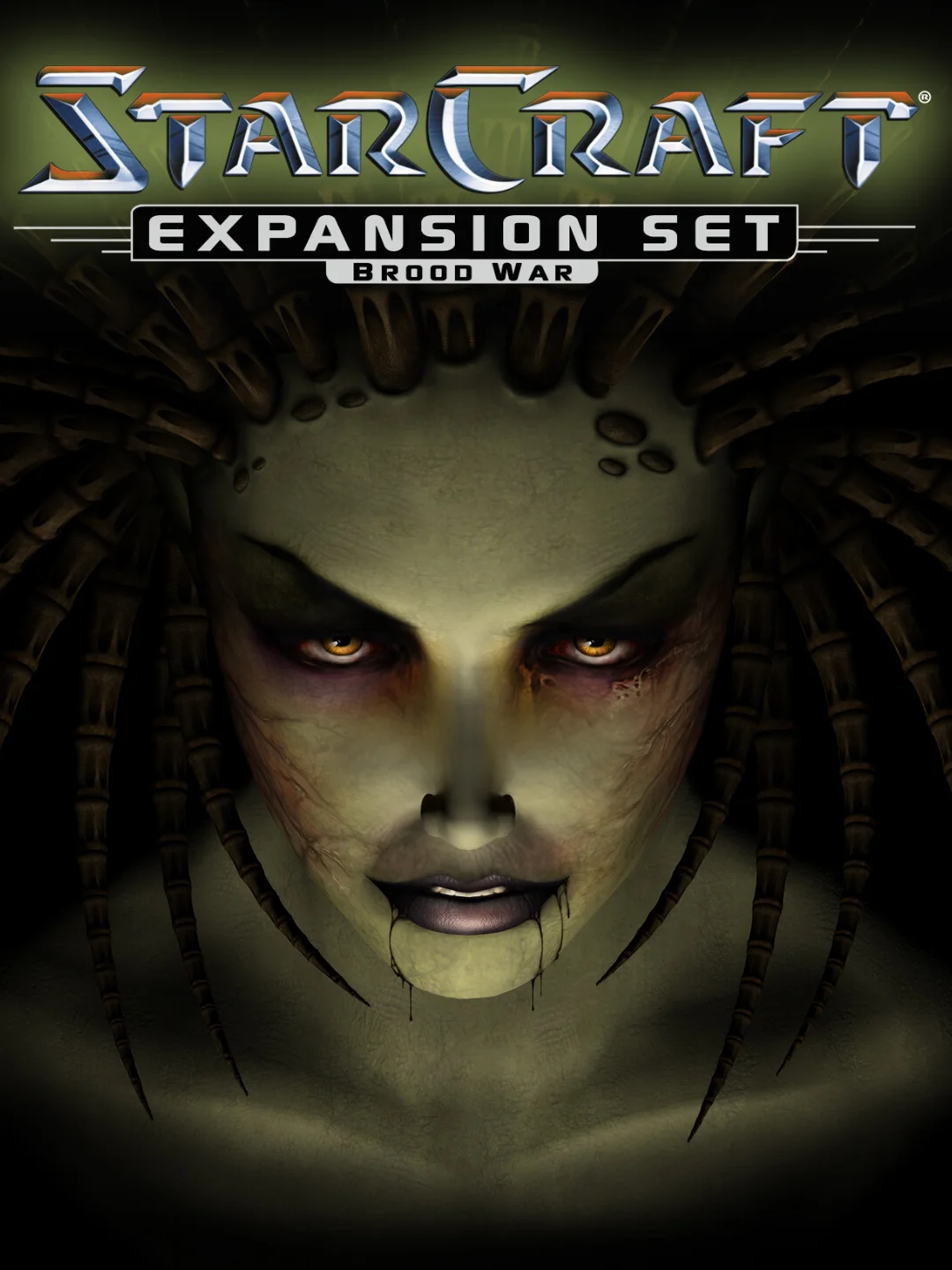
StarCraft: Brood War artwork: Blizzard Entertainment; cover image distributed by IGDB. OpenBW Web project: heiner and OpenBW contributors. Game artwork and original game data remain with their respective rights holders. A source publication or open engine does not establish permission to redistribute the commercial assets.. Licence & asset notice.
- OpenBW Web launcher and documented controls
- Browser project source
- Upstream OpenBW engine
- Requested reference entry
- Brood War cover source
KEEP GOING