KEEP THIS HANDY
Controls at a glance.
- Keyboard / level instructions
- Move through the playfield using the current level’s input help.
- Editable code regions
- Change the parts the game permits, then use Execute.
- Ctrl+1 / API button
- Open the game’s API reference.
- Ctrl+2 / Toggle Focus
- Switch focus between the playfield and editor.
- Execute / Reset buttons
- Re-run your changed level or restore it; the interface also labels Ctrl+5 and Ctrl+4.
The restriction is part of the puzzle
The README describes levels that cannot initially be completed, with only limited code open for editing. Begin by locating that editable area and tracing what it affects. A familiar JavaScript statement can have a visible consequence in the playfield. The aim is to reason about the allowed change while respecting the level’s constraints.
Compare the result with a prediction
Before pressing Execute, state what you expect to change. If the path stays blocked, inspect the particular line and the game’s API reference. Changing several unrelated values can hide why a solution worked. The Toggle Focus control is useful when arrow keys are reaching the editor instead of the character.
Use the authors’ host and credits
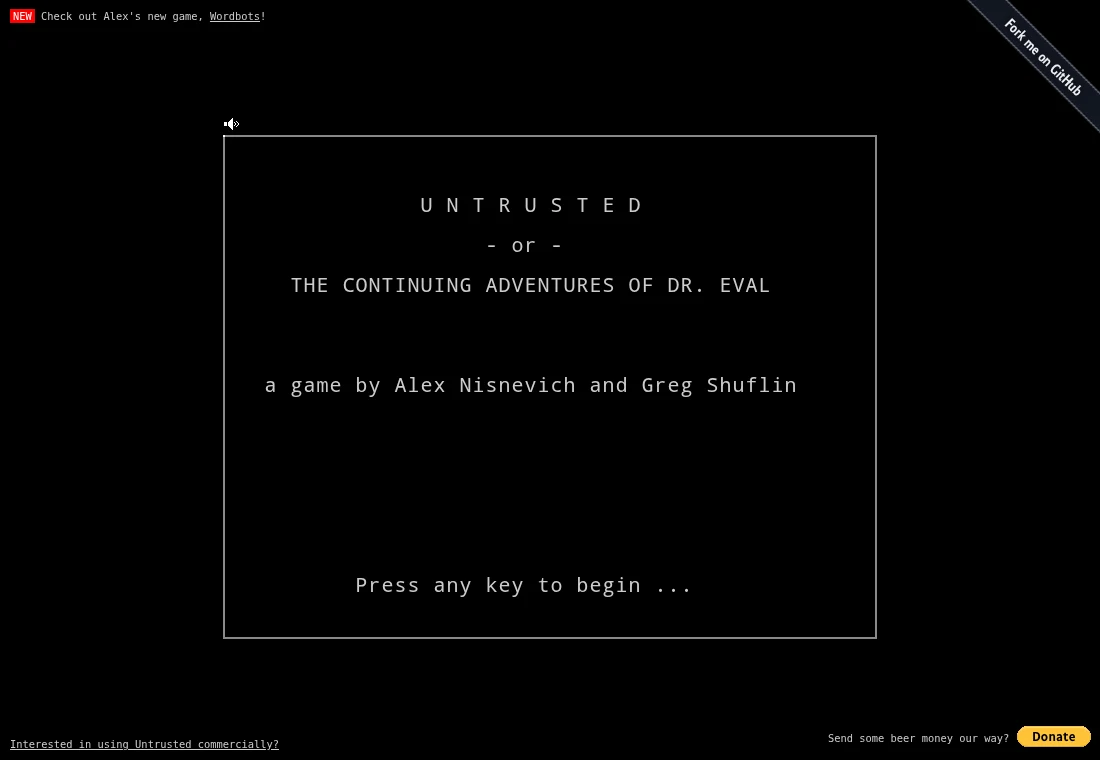
This guide links the project’s published build and shows its title screen. The README gives the game non-commercial share-alike terms, with separate commercial code arrangements requiring contact with the authors. Music credits vary by track. We do not host its code or soundtrack, and we keep later puzzle solutions out of this introduction.
What happens to your progress?
The source records level progress and editor state locally. Keep the same host and browser profile; no cloud sync is promised.
Check the save and backup guide ↗A FEW USEFUL ANSWERS
Before the next click.
Is this a JavaScript course with every answer supplied?
It is a puzzle game whose levels expose limited editable code. Use the in-game API reference and observe each change.
Why do arrow keys move the cursor in the editor?
Focus determines which part of the interface receives keyboard input. Use Toggle Focus before testing movement.
A useful next read.
Untrusted: predict one change before pressing Execute. ↗Follow the source.
Alex Nisnevich and Greg Shuflin; individual soundtrack artists credited in the README. Licence notice. CC BY-NC-SA 3.0 game; separate commercial code terms require contacting the authors; soundtrack has individual notices.
Latest collected source change: Fix blast accuracy for level 20 solution (#518) (opens a new tab) . Repository activity does not identify the hosted game version.
All media and source credits ↗