01 / GET YOUR BEARINGS
How to start Crazy Shark
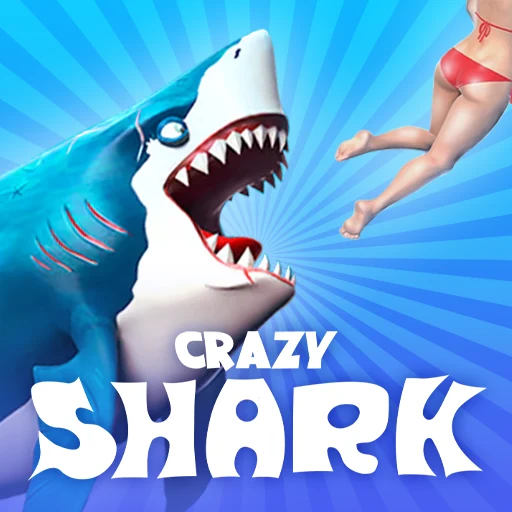
Hunt smaller sea creatures while keeping a hungry shark alive.
Step 1
Drag the mouse to swim toward smaller fish and other suitable prey.
Step 2
Use the right mouse button for a burst of speed when you need to chase or escape.
Step 3
Keep eating to replenish health, avoid mines and stronger predators, and spend earned coins on upgrades.
02 / KEEP THIS HANDY
Crazy Shark controls
These notes describe the selected project. Read its current control instructions on the original website.
Creator’s control instructions
For device and input help, see the keyboard, pointer and touch guide.
03 / BEFORE YOU CLOSE
Saving progress in Crazy Shark
Not verified
Favorites keeps this guide link. For game progress and backup checks, read the save and backup guide ↗.
04 / KNOW THE VERSION
About this Crazy Shark project
- Genre
- Adventure
- Project type
- Browser project
- Graphics
- Project preview
How the project works
Crazy Shark gives you an ocean to explore and a health bar that keeps draining. Eating suitable prey buys more time, while mines and larger predators can end a promising hunt. Use the coins from a run to improve the shark before exploring more dangerous parts of the map.
Choose the source version
Open the Wasm Arcade listing to choose the recorded project. Embedding has not been verified for this project.
Access and version requirements
Check the linked project for current account, payment, game-data and device requirements.
Project and image credits
The preview and its source credits are listed by Wasm Arcade; original game and artwork rights remain with their respective owners.
Source listing reviewed 2026-11-08. A source-site runtime observation does not establish cross-site embedding, gameplay, controls, save restoration or rights on this website.
05 / QUICK ANSWERS
Crazy Shark questions
Where does this game open?
The game link opens its Wasm Arcade listing. The selected source determines how it launches and whether further access is required.
Can it run in a window on this page?
Embedding and startup on this site have not been verified for this exact project.
Are the controls and progress verified?
Controls and saving for this specific version have not been independently verified here.
06 / FOLLOW THE SOURCE
Crazy Shark sources & credits
Wasm Arcade / AZ Games. Artwork and games remain the property of their respective rights holders. Check the linked sources for terms.. Licence & asset notice.
All media and source credits ↗KEEP GOING