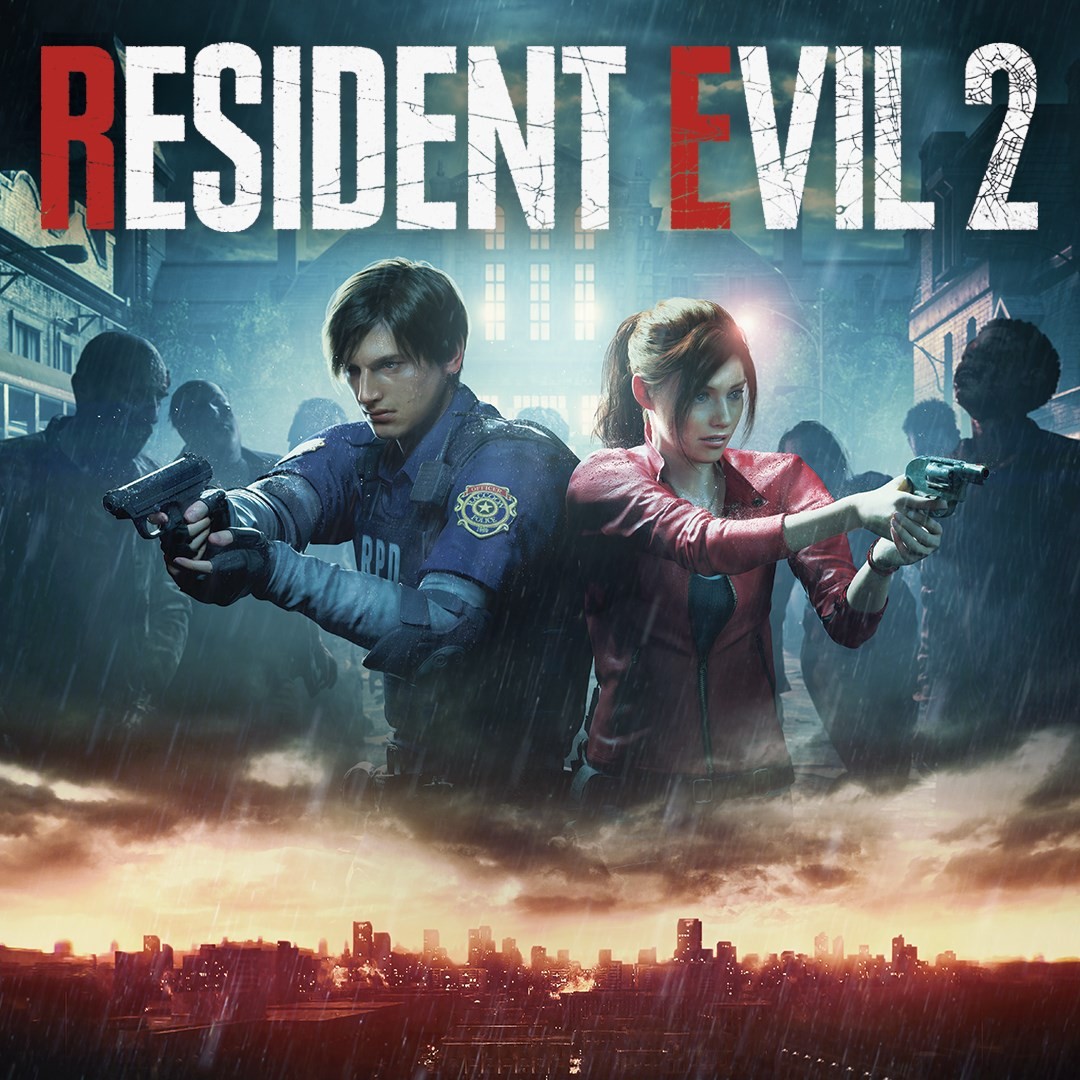
The 2019 Resident Evil 2 remake follows Leon S. Kennedy and Claire Redfield through the Raccoon City outbreak. This reimagining changes the original PlayStation game’s camera, presentation and some gameplay.
Preview attributed by Wasm Arcade to the original game or its publisher. See the image credits and original project; the artwork does not establish gameplay or endorsement. Project & credits ↗
Project status & checks
Launch
Original website
Observed
No browser startup evidence recorded
Game data
Not verified for this build
Account / access
Current access requirements not independently verified
Desktop input
Not tested in the retained browser record
Mobile input
Not tested in the retained browser record
Evidence
unknown · 2026-11-08
Availability, input, game data and saving are separate checks. An HTTP response or a window load event does not establish gameplay.
Explore Raccoon City and survive the police station in Capcom’s Resident Evil 2 remake.
Step 1
Open the official Xbox Cloud Gaming page and sign in to an eligible Microsoft account.
Step 2
Start Resident Evil 2 and select Leon or Claire’s scenario.
Step 3
Explore and collect supplies, manage inventory, aim at threats and use clues to unlock routes.
02 / KEEP THIS HANDY
Resident Evil 2 (2019 remake) controls
These notes describe the selected project. Read its current control instructions on the original website.
Input / actionWhat it does
Project instructionsExplore rooms for keys, ammunition and healing items. Aim carefully, manage limited inventory space and use the map and collected clues to solve puzzles and open routes.
VerificationControls and device support have not been independently checked for this exact project.
Favorites keeps this guide link. For game progress and backup checks, read the save and backup guide ↗.
COMPARE THE ACTUAL VERSIONS
Resident Evil 2 (2019 remake) browser projects
The links below identify separate projects. Their controls, game files and progress can differ.
Resident Evil 2 (2019 Remake) — Wasm Arcade
Browser project
Wasm Arcade; original project: Capcom; Xbox Cloud Gaming · Listed inputs: Check project instructions
The source site links to this project externally; access requirements can differ. Source listing states: The 2019 remake, not the original PlayStation game. Rated Mature 17+ for intense violence, blood and gore. Xbox cloud play requires sign-in, a supported region, a compatible controller and an eligible Game Pass plan; game purchase is required on some plans. Image: official remake artwork.
The 2019 Resident Evil 2 remake follows Leon S. Kennedy and Claire Redfield through the Raccoon City outbreak. This reimagining changes the original PlayStation game’s camera, presentation and some gameplay.
Choose the source version
Open the Wasm Arcade listing to choose the recorded project. Embedding has not been verified for this project.
Access and version requirements
The source listing states: The 2019 remake, not the original PlayStation game. Rated Mature 17+ for intense violence, blood and gore. Xbox cloud play requires sign-in, a supported region, a compatible controller and an eligible Game Pass plan; game purchase is required on some plans. Image: official remake artwork.
Project and image credits
The preview and its source credits are listed by Wasm Arcade; original game and artwork rights remain with their respective owners.
Source listing reviewed 2026-11-08. A source-site runtime observation does not establish cross-site embedding, gameplay, controls, save restoration or rights on this website.
05 / QUICK ANSWERS
Resident Evil 2 (2019 remake) questions
Where does this game open?+
The game link opens its Wasm Arcade listing. The selected source determines how it launches and whether further access is required.
Can it run in a window on this page?+
Embedding and startup on this site have not been verified for this exact project.
Are the controls and progress verified?+
Controls and saving for this specific version have not been independently verified here.
06 / FOLLOW THE SOURCE
Resident Evil 2 (2019 remake) sources & credits
Wasm Arcade / Capcom; Xbox Cloud Gaming. Artwork and games remain the property of their respective rights holders. Check the linked sources for terms.. Licence & asset notice.