KEEP THIS HANDY
Controls at a glance.
- Space
- Start from the title screen and fire during play.
- Left / right arrows
- Move across the bottom of the playfield.
- Swipe / touch
- Movement and firing input documented on the original host.
- P
- Pause or resume, as implemented in the source.
Use position to choose a shot
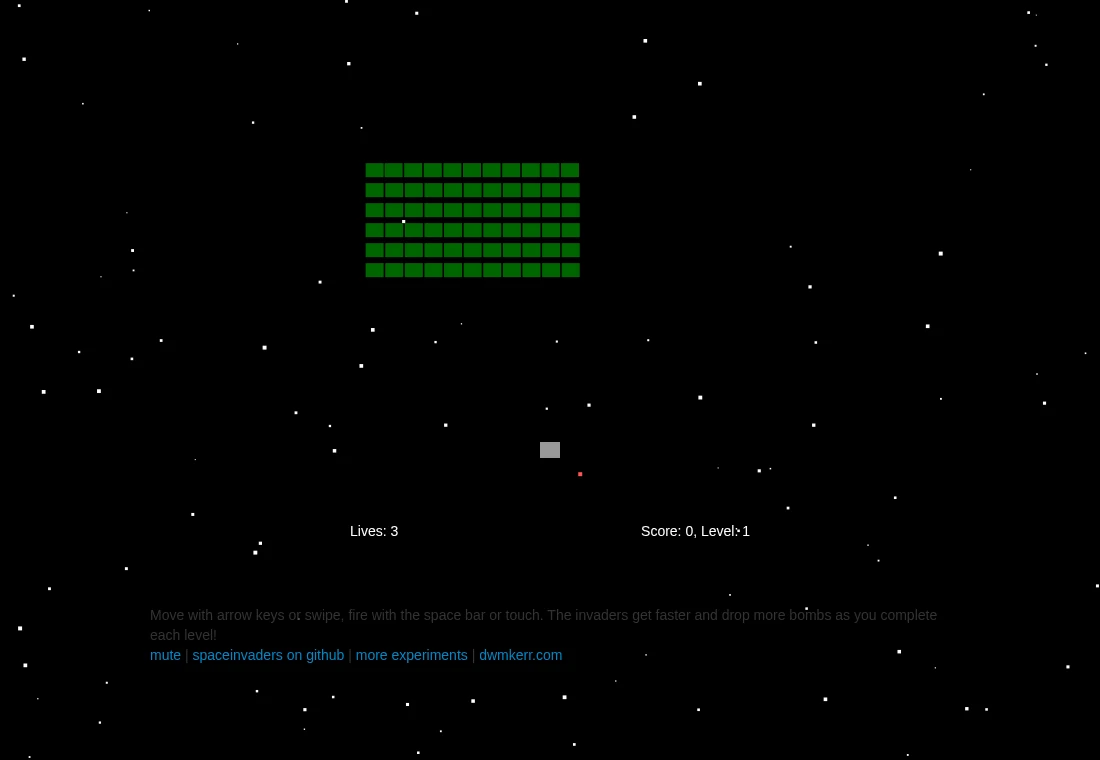
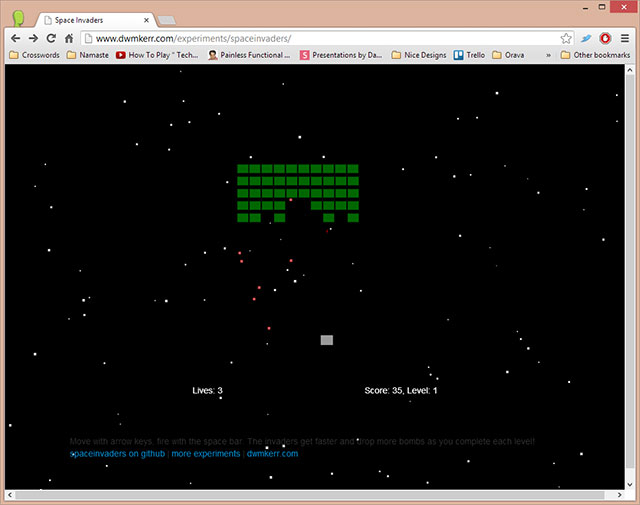
Your ship moves horizontally, so aiming begins with where you stand. Watch a column’s approach while leaving room to move away from incoming fire. Following only the invaders can make a bomb near the bottom of the screen easy to miss. The first wave is a useful place to learn the relationship between movement and firing.
Notice what changes between waves
The original page explains that invaders become faster and drop more bombs as levels progress. A movement pattern that felt spacious early can become crowded later. As a practice goal, identify a clear escape direction before holding a long firing position. A source description of later waves does not mean this site has completed them.
Pause is an input worth learning
The implementation pushes a pause state when P is pressed and returns on another P. Use it when learning the playfield or when interrupted. Its MIT source and separate sound credits are recorded upstream. This is a JavaScript recreation, so the guide does not describe it as the original arcade program running in an emulator.
What happens to your progress?
No persistent campaign or save export is documented for this recreation.
Check the save and backup guide ↗A FEW USEFUL ANSWERS
Before the next click.
Can I use a pointer to aim anywhere?
This recreation moves the ship horizontally; keyboard directions or the documented swipe control set its position.
Does P save my run?
P pauses the current game. It is not a save export or a promise that a refresh restores the run.
A useful next read.
Space Invaders: leave room beside the firing position. ↗Follow the source.
Dave Kerr; sounds credited upstream to classicgaming.cc; original Space Invaders rights remain with their owners. Licence notice. MIT implementation; sound effects have separate provenance.
Latest collected source change: Merge pull request #37 from dwmkerr/feat/jev-invaders (opens a new tab) . Repository activity does not identify the hosted game version.
All media and source credits ↗