 Adventure
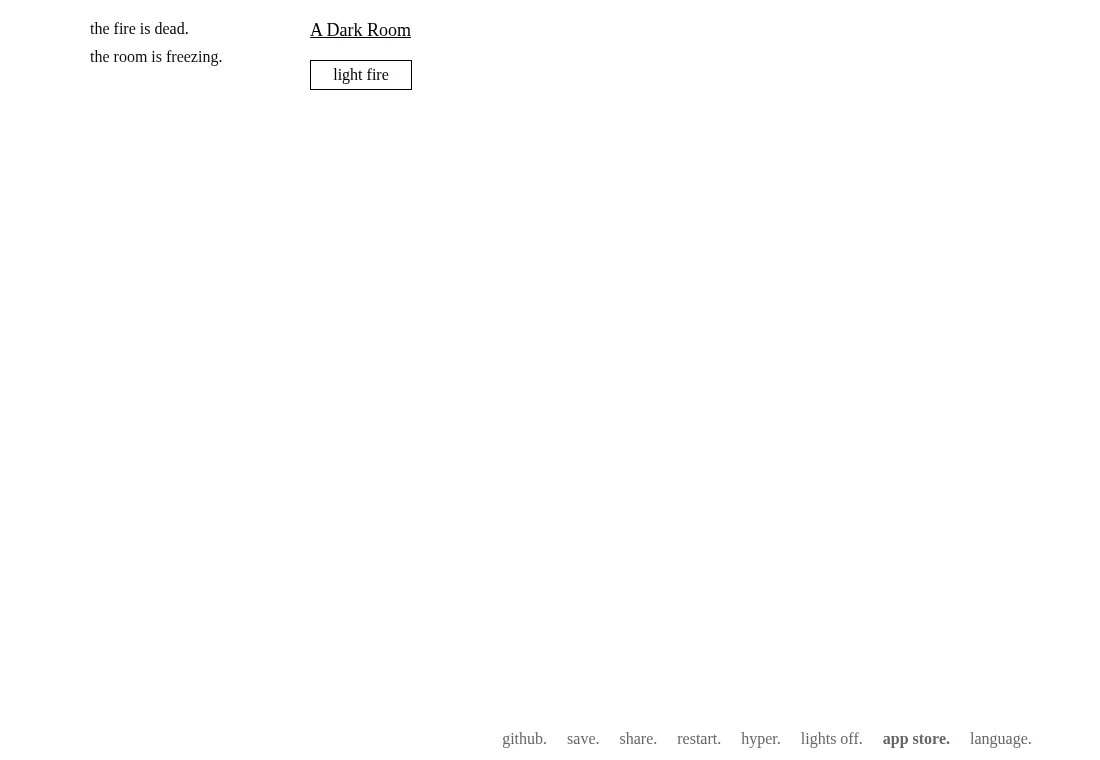
Light a fire. See what changes.
 ported2browserTHE INDEPENDENT FIELD GUIDE
EXPORTS, ACCOUNTS & LOCAL RECORDS
Before choosing a campaign, compare how each project retains progress. A transferable export, a browser-held city and a server character require different return habits.
A PLACE TO BEGIN / Gridland
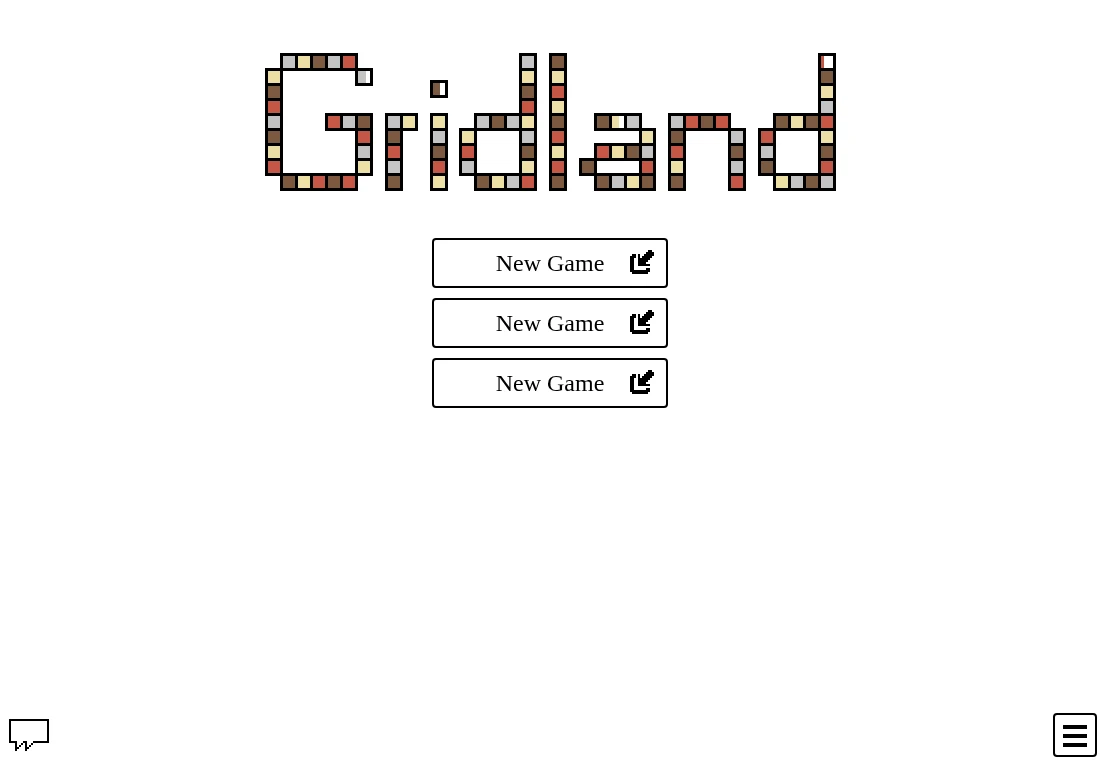
Its three visible slots and import/export controls make the difference between a campaign slot and a guide bookmark concrete. Keep an export outside the browser before changing environments.
Meet Gridland ↗Gridland, A Dark Room, Trimps, Evolve and Bitburner expose save-transfer mechanisms described in their profiles. Copying or downloading a save is the first step. Retain it separately, label it with the game and host, and read the destination’s import warning before replacing a campaign. A successful export is not proof of a successful restore.
MicropolisJS writes one local browser game record. Returning to a different mirror, device or browser profile does not automatically retrieve that city. Check the opening Load control before saving another city, and keep the original site data intact while investigating a missing save.
DCSS WebTiles characters belong to the selected server, account and version. Its save-and-leave command lets you interrupt a living run; normal death remains permanent. This differs from importing an incremental game’s export. Use the selected server’s instructions instead of applying a generic browser-backup shortcut.
THE OPTIONS AT A GLANCE
| Game | Why try it | Pace | Progress |
|---|---|---|---|
| A Dark Room ↗Web-native | Reading, discovery and a game that opens up gradually. | Incremental adventure | Local save plus an export/import save-code interface. |
| Trimps ↗Web-native | A long-running incremental game with several interacting resources. | Incremental strategy | Local saves and export/import are implemented. Keep an exported backup before clearing data or moving browsers. |
| Evolve ↗Web-native | A long resource-management game that gradually introduces more decisions. | Incremental civilization management | Settings exposes save and export/import controls. Keep a separate export and read the distinction between prestige and destructive resets. |
| Bitburner ↗Web-native | A longer desktop session with reading, JavaScript and resource planning. | Incremental programming | Browser saves use IndexedDB. Options provides export/import for moving or backing up a game; keep a separate export. |
| micropolisJS ↗Browser port | A city simulation with a map, construction tools and a budget to inspect. | Running city simulation with pause | Save writes one localStorage game record; Load is available from the opening interface. No file-export menu is established here. |
| Dungeon Crawl Stone Soup ↗Browser client | A tactical dungeon run where position and the next action matter. | Turn-based dungeon exploration | Online characters belong to the selected server/account and version. Use that host’s save/quit instructions; a local browser bookmark is not the character file. |
| Gridland ↗Web-native | Matching patterns with a changing day-and-night purpose. | Tile decisions with survival phases | The source implements three local slots and export/import codes. Keep an export before clearing browser storage. |
AdventureLight a fire. See what changes.
 Incremental
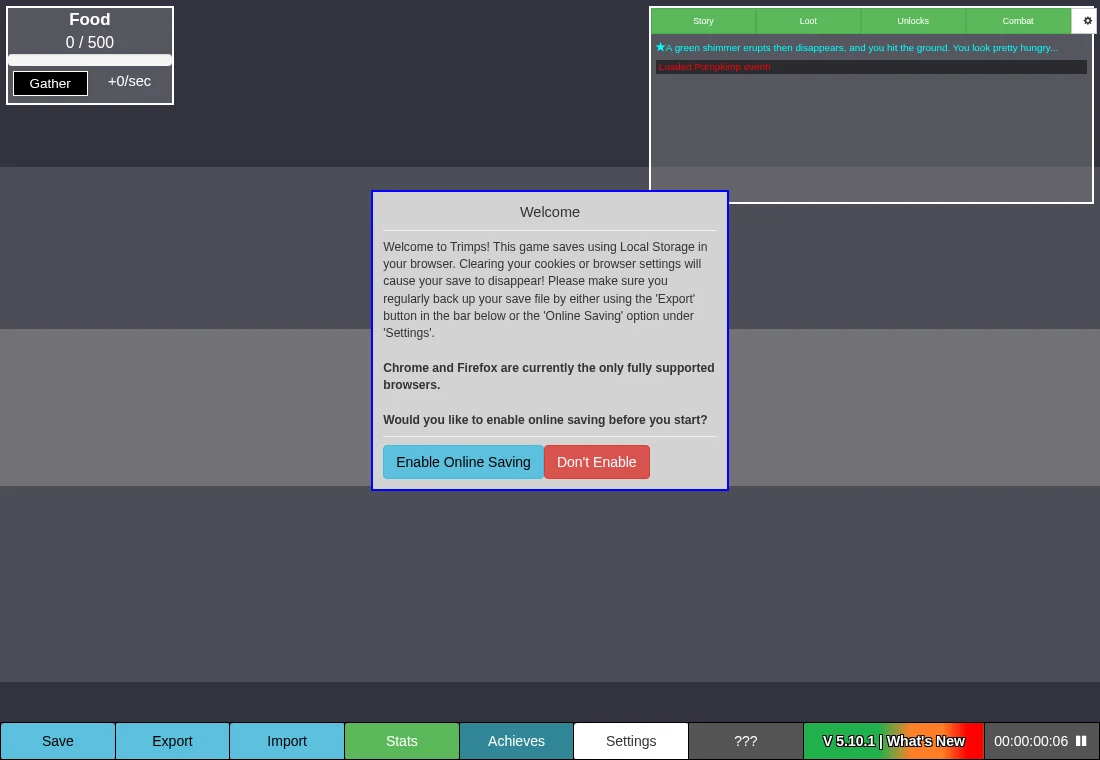
A small workforce becomes a long plan
 Incremental
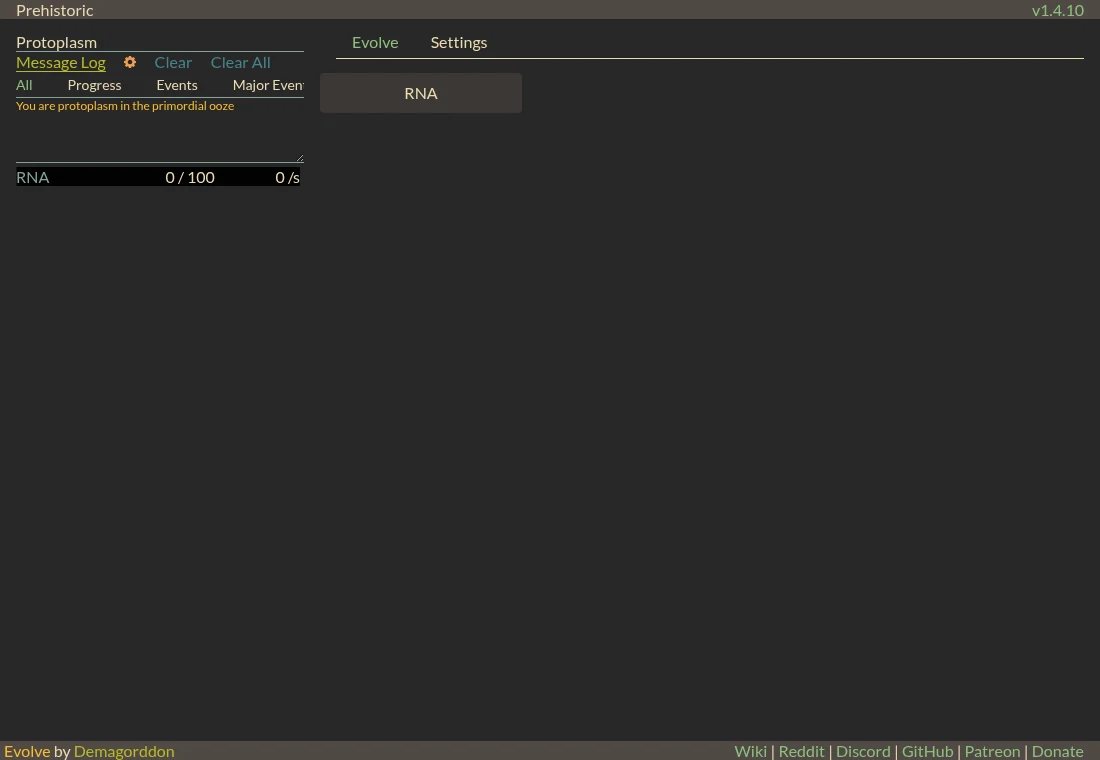
From one RNA button to a civilization
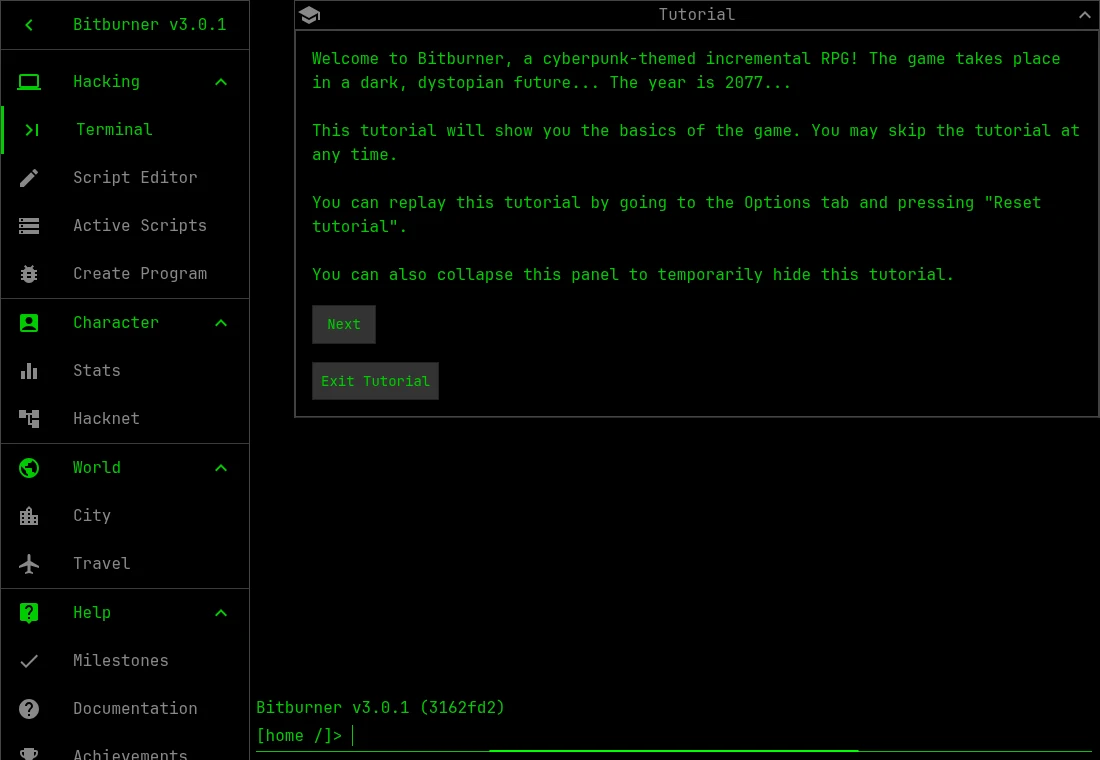 Incremental
Write a small script. Understand what it consumes.
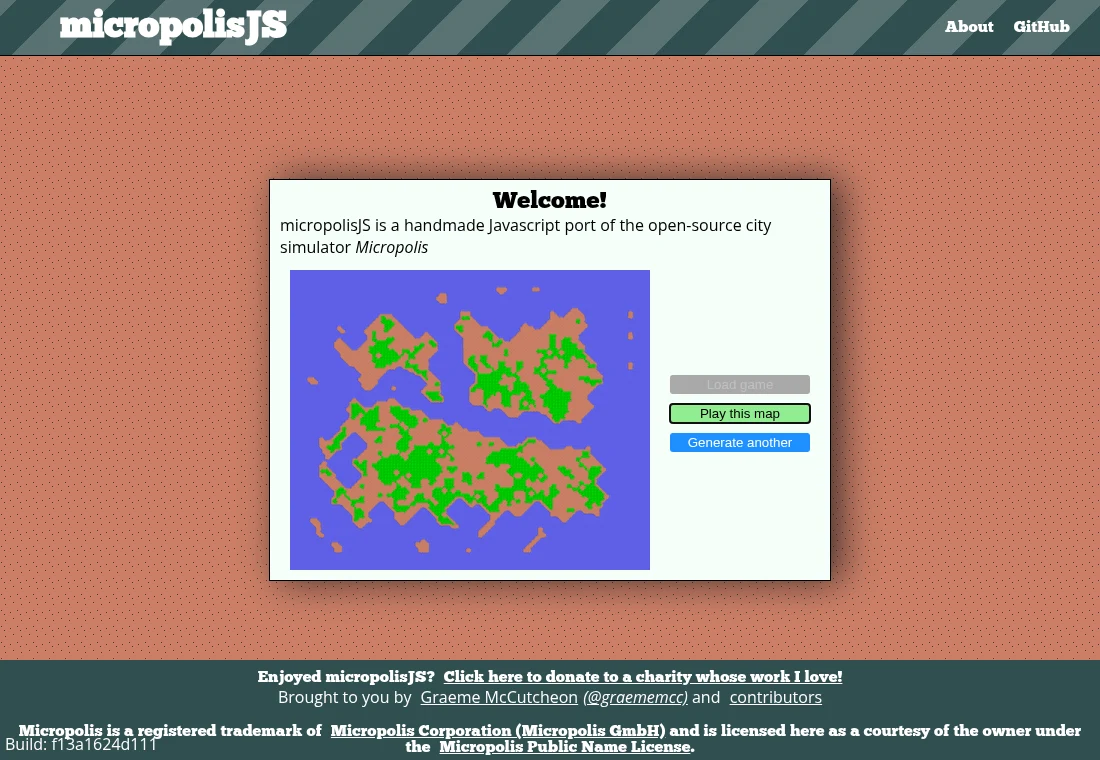 Simulation
Zone a small city. Understand its connections.
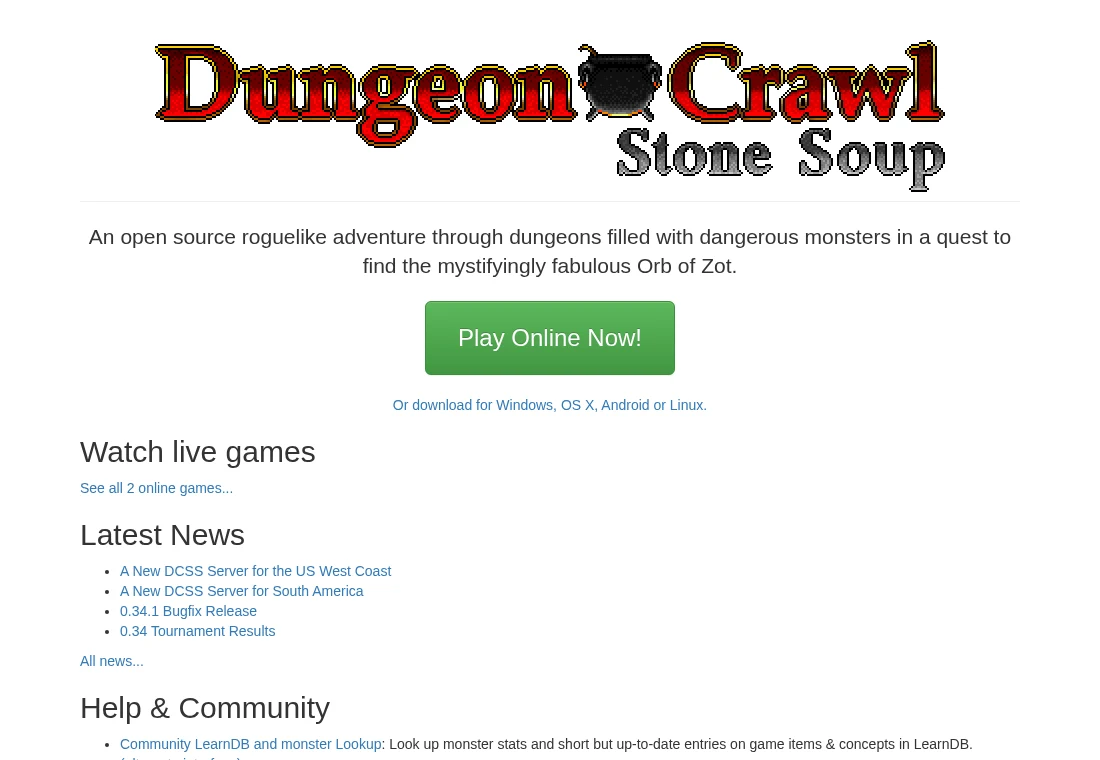 Roguelike
Read the situation before spending a turn